
The AI app builder for modern enterprises
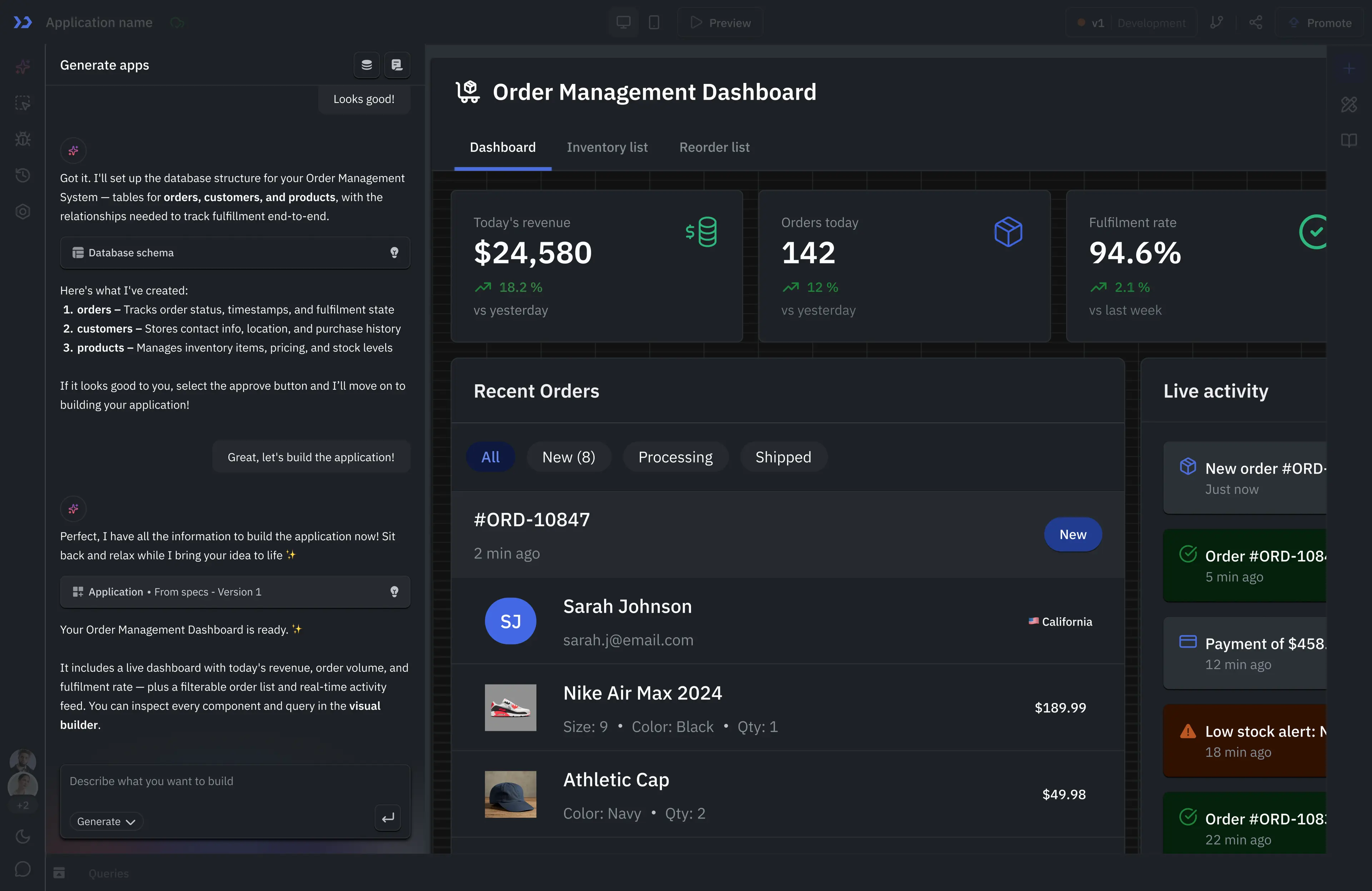
Build internal apps from a prompt, using your databases and APIs. ToolJet AI generates pages and queries you can edit in the visual builder. Run your apps on ToolJet Cloud or self-host them.

Prefer self-hosting? Explore deployment options or book a deployment demo.
AI-powered generation


Visual builder
Code extensibility
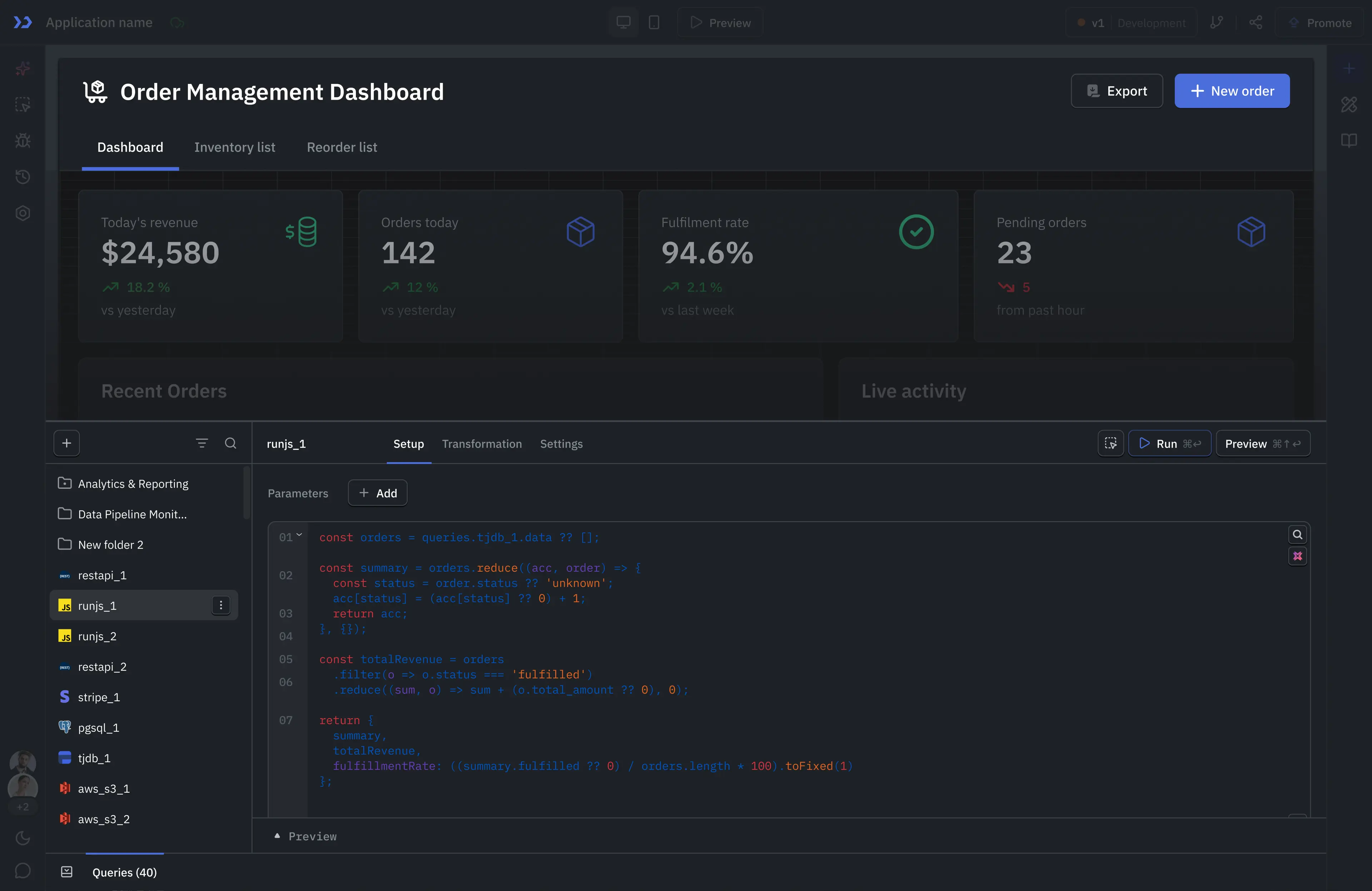
ToolJet AI generates native pages, queries and events that stay editable in the visual builder. Connect your data, review the generated app, and extend it with JavaScript, Python or custom components. Read our same-prompt app-building tests against Retool, Superblocks, Lovable and Emergent.
AI that enterprises can actually deploy
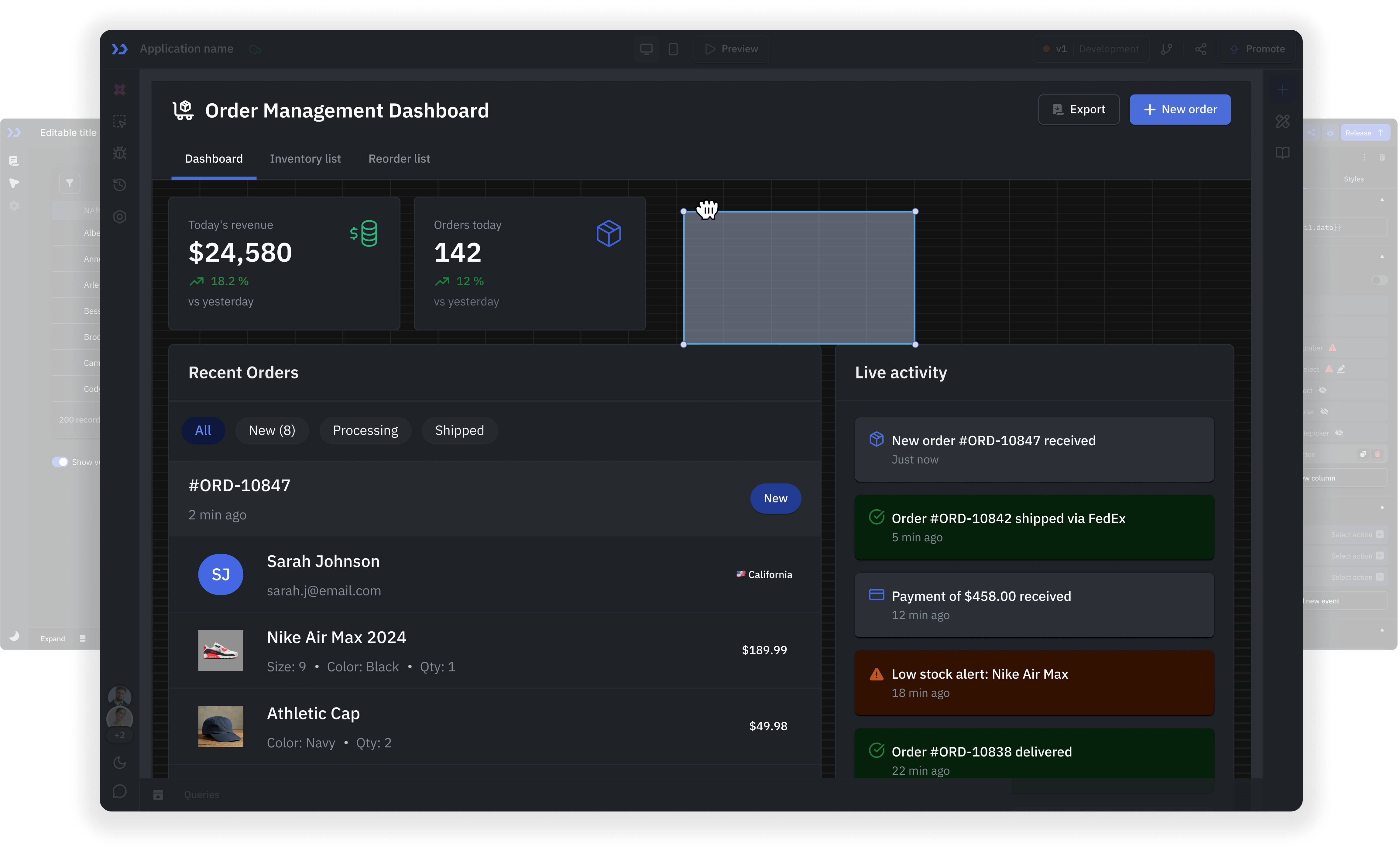
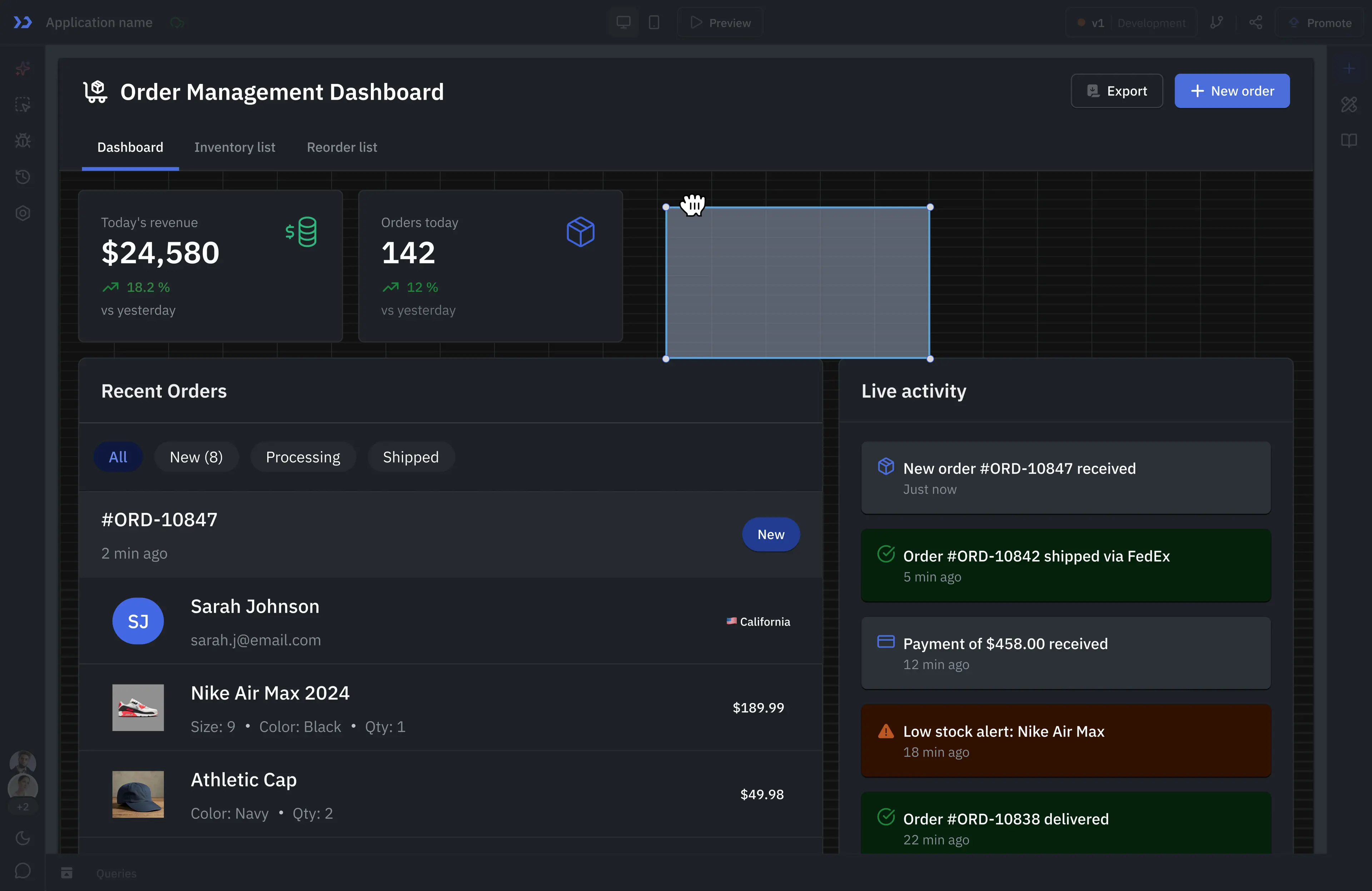
Generate an app, inspect how it works, and keep editing it visually.
Editable app structure
Create native pages, queries and events that stay editable in the visual builder.
Review before release
Inspect generated queries, set permissions and test each role before releasing an app.
Visual and code editing
Refine generated apps visually or extend queries with JavaScript and Python.
Maintainable foundations
Reuse components and modules within ToolJet's low-code architecture.
Build AI-generated apps on your existing business data
AI-powered development lifecycle
Describe your requirements in plain language. Specialized builder agents help plan the app, design its interface, connect data and generate queries. Review their output in the visual builder, test permissions and release the app through your team's development process.
Plan
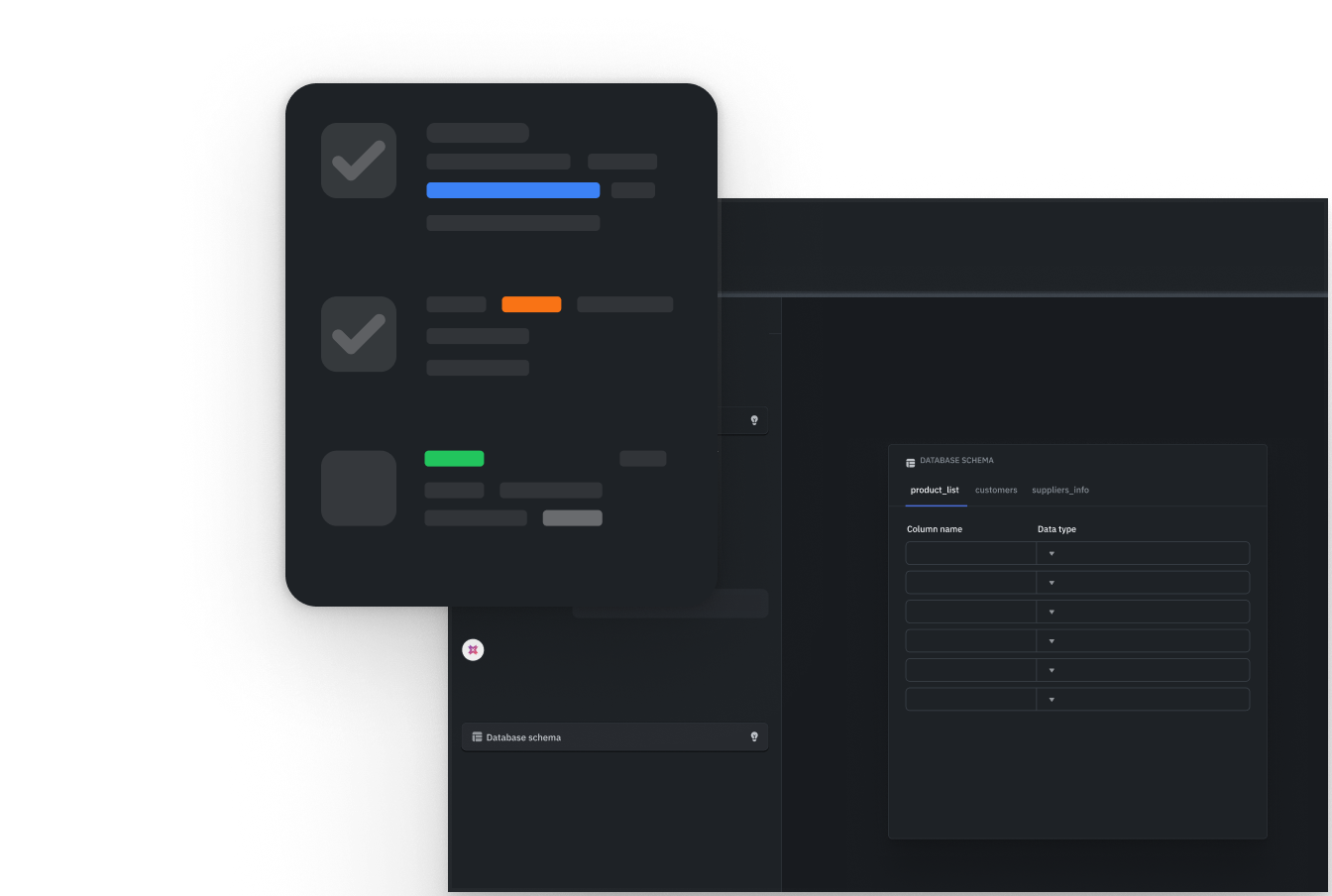
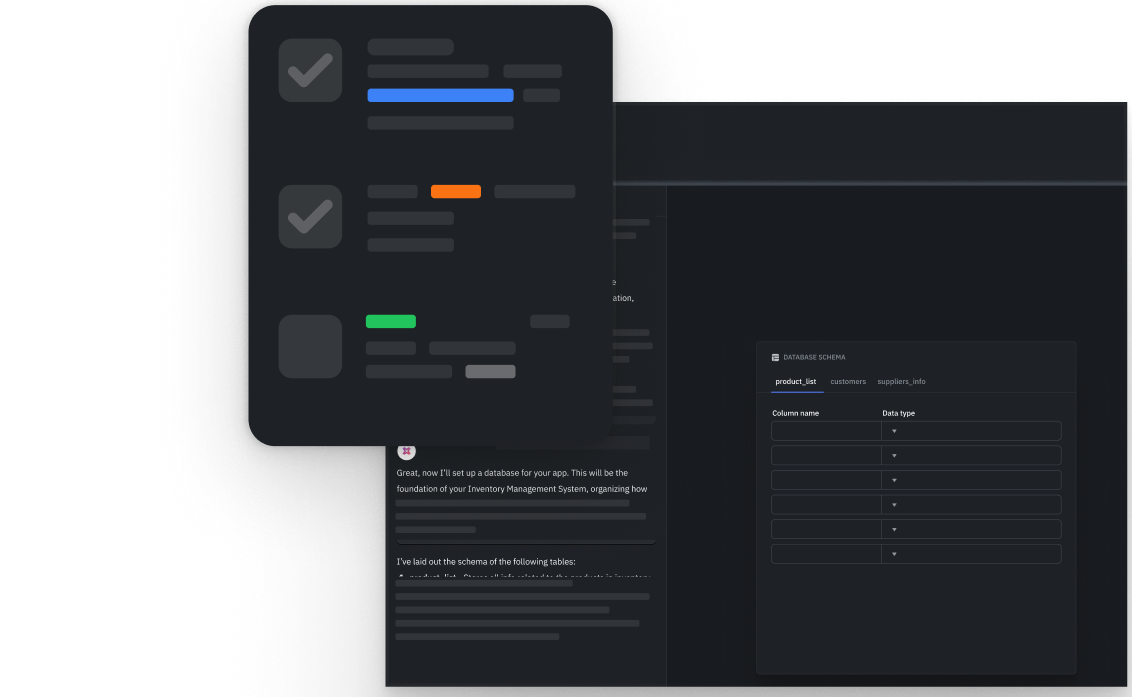
Describe who will use the app, the tasks they need to complete and the data it should use. Review the plan before building.
Design
Generate pages with forms, tables and charts. Refine the layout and navigation in the visual builder.
Build
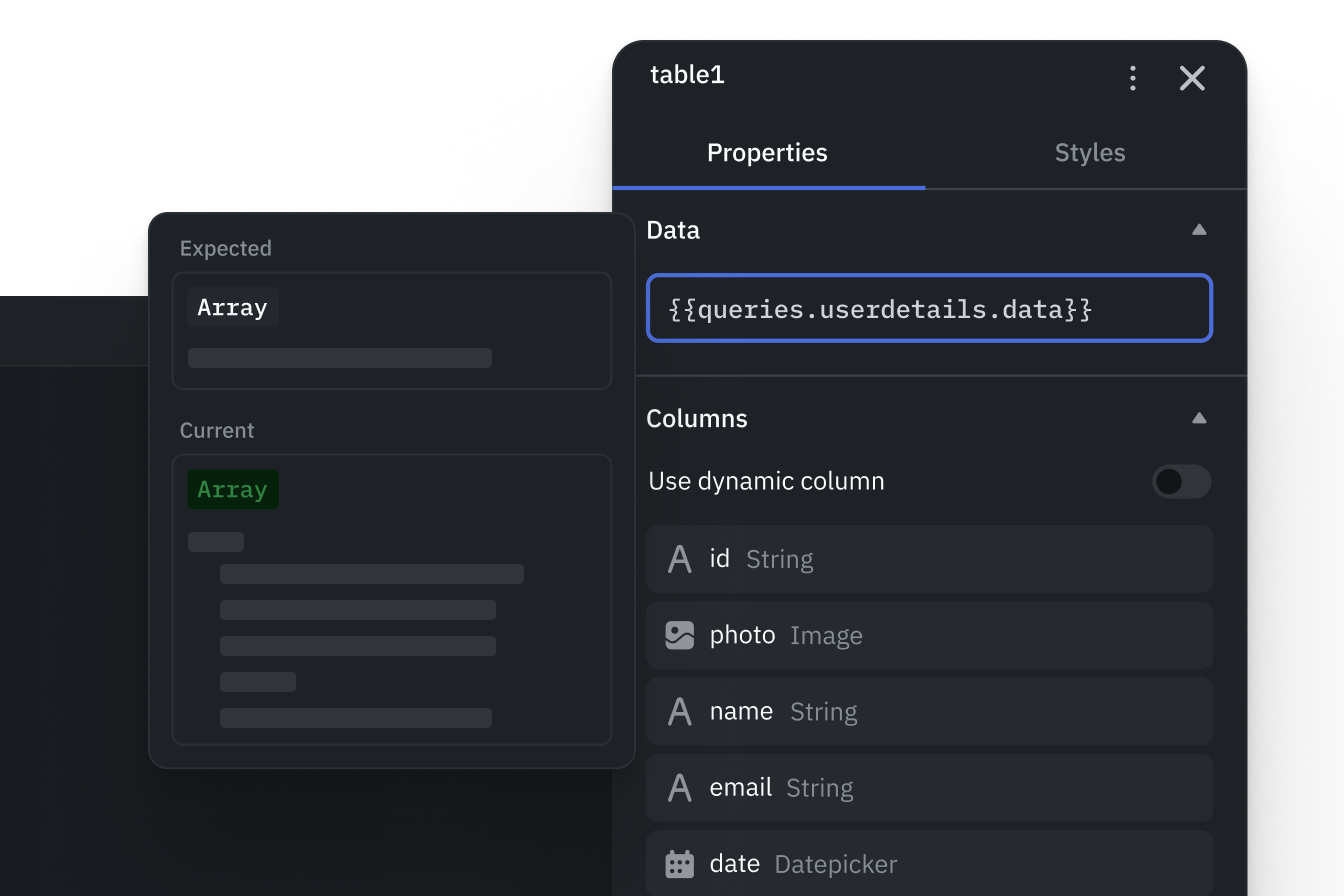
Generate queries, connect results to components and add event actions. Review reads and writes before using live data.
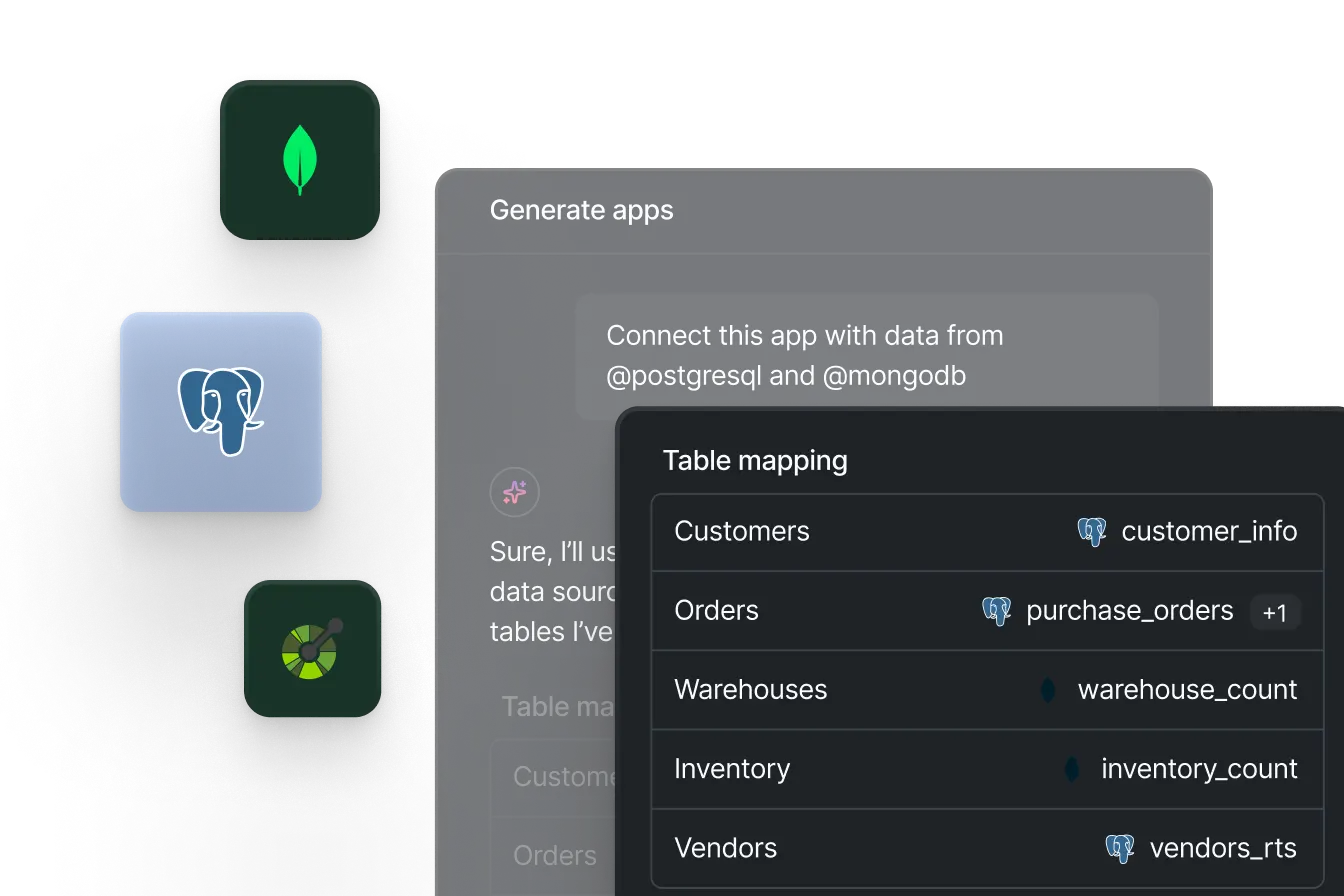
Manage data
Connect the databases and APIs your app needs. Use limited credentials and review the tables and actions available to AI.
Debug
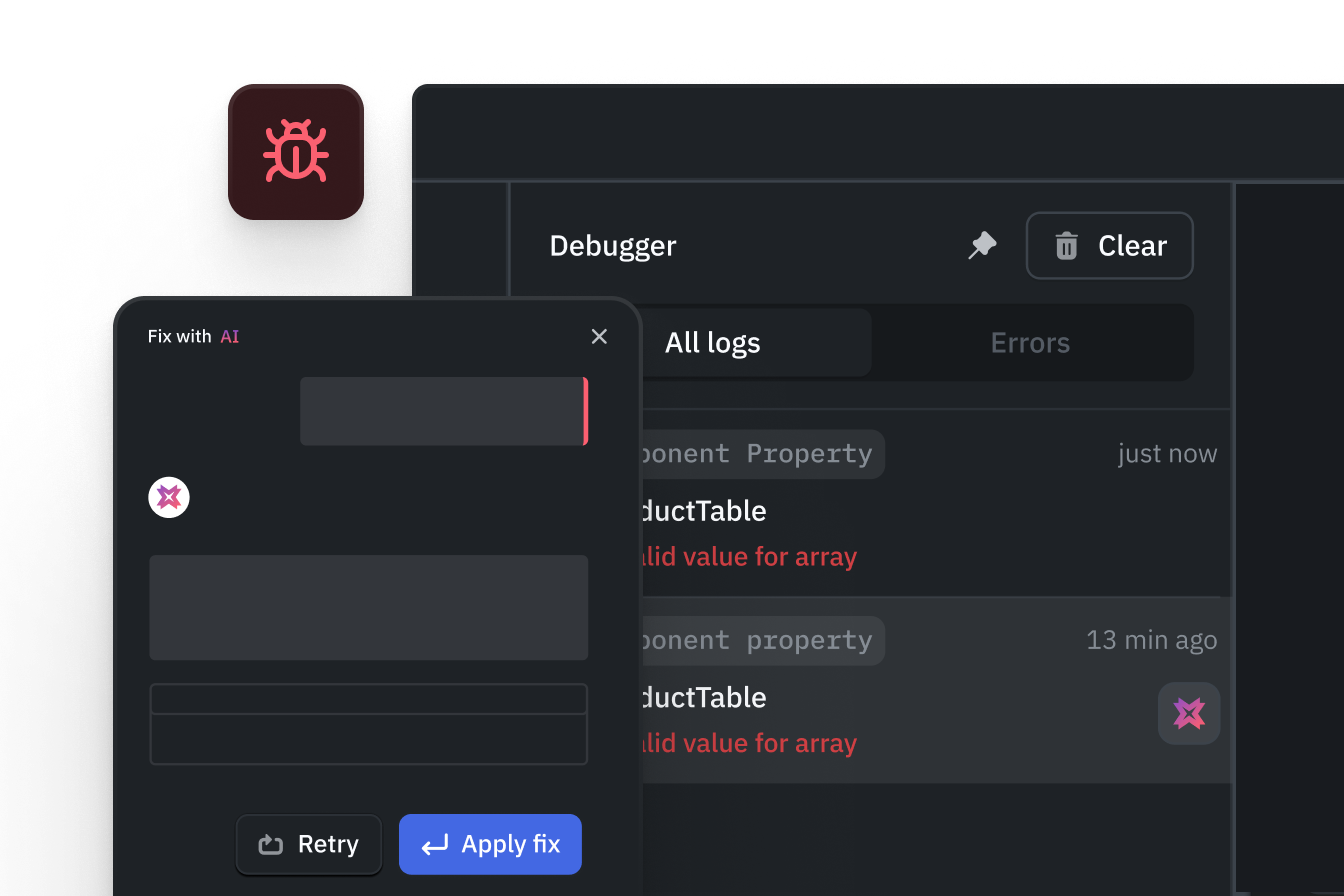
Inspect queries and events, ask AI to help with errors, then test the fix in your app.
Visual app building
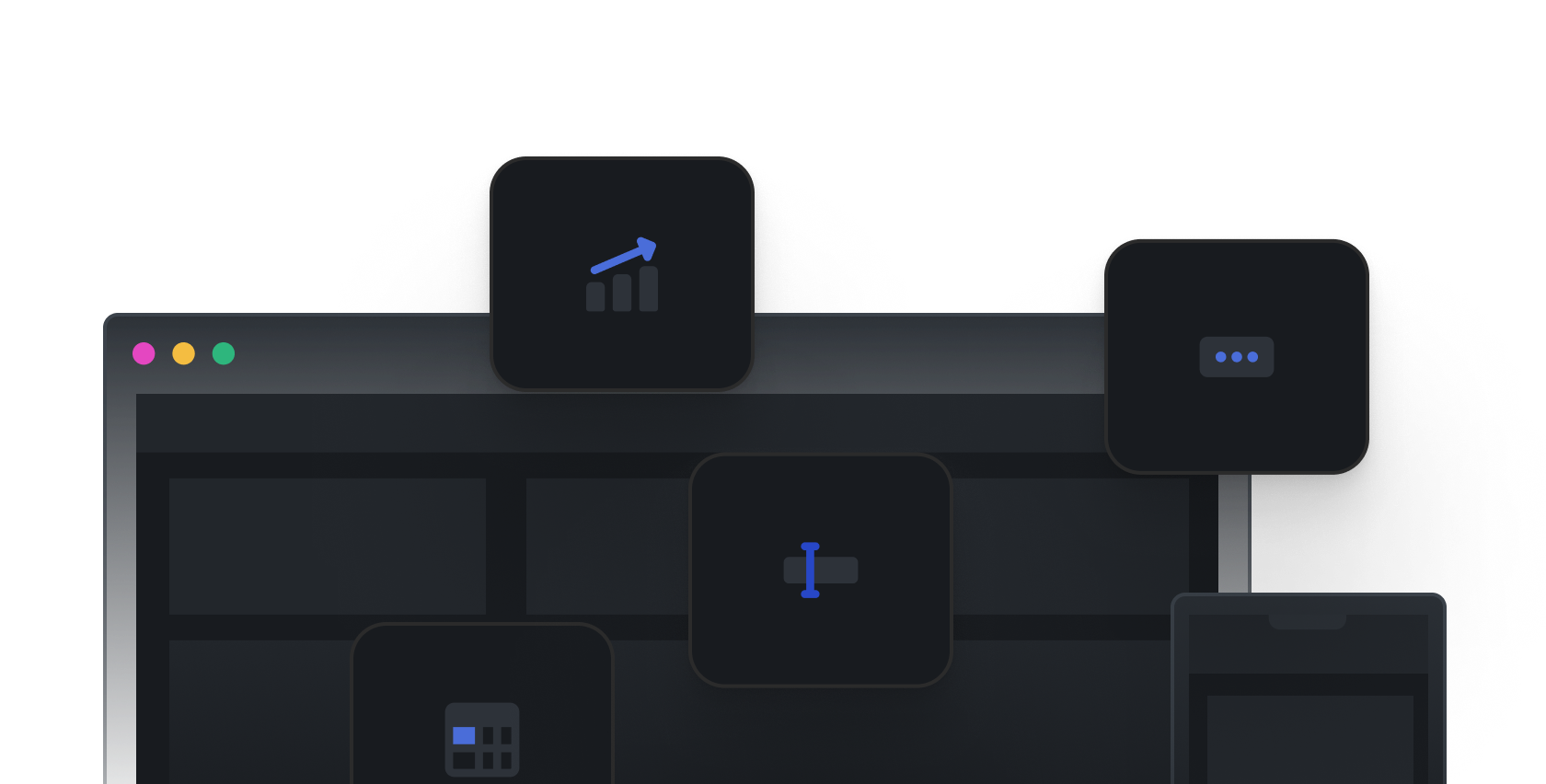
Build intuitive, responsive apps faster by visually assembling UI, data, navigation and event logic without writing code.
Rich component library
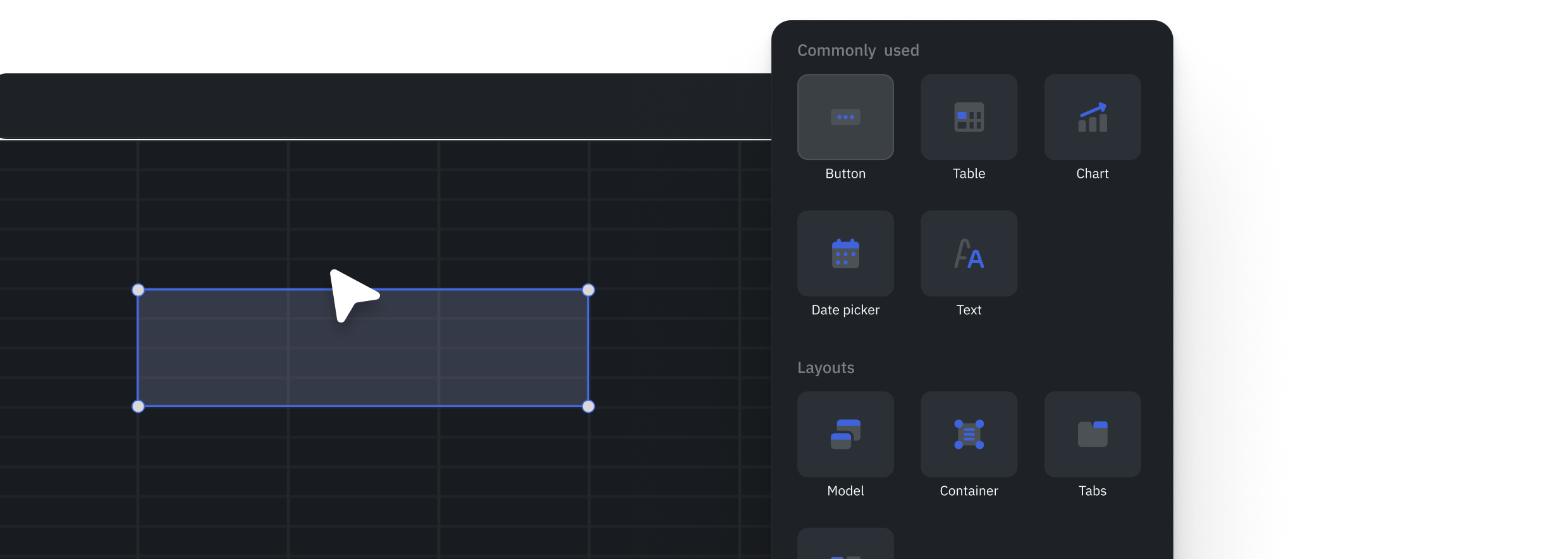
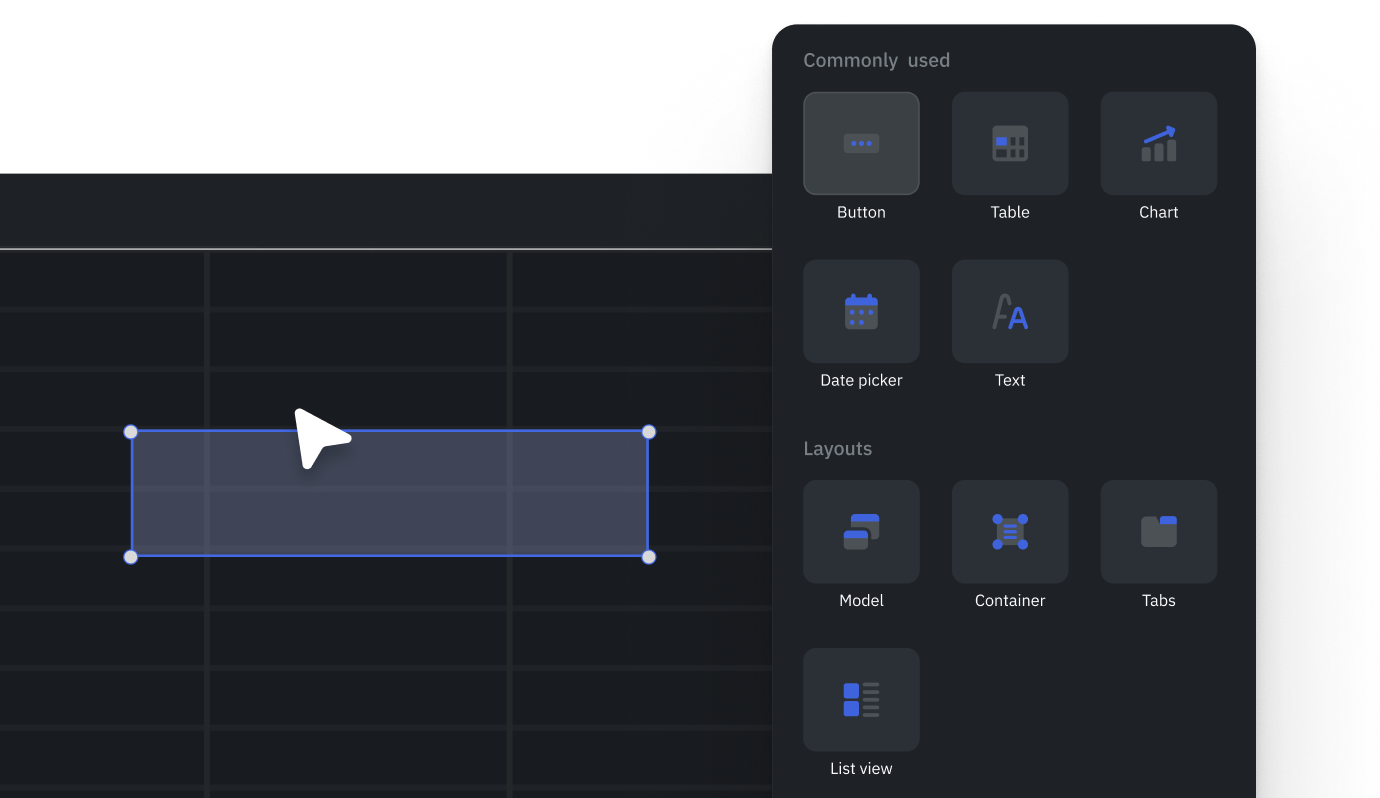
Use ready-made tables, forms, charts and input controls to build common internal app interfaces.
Drag-and-drop builder
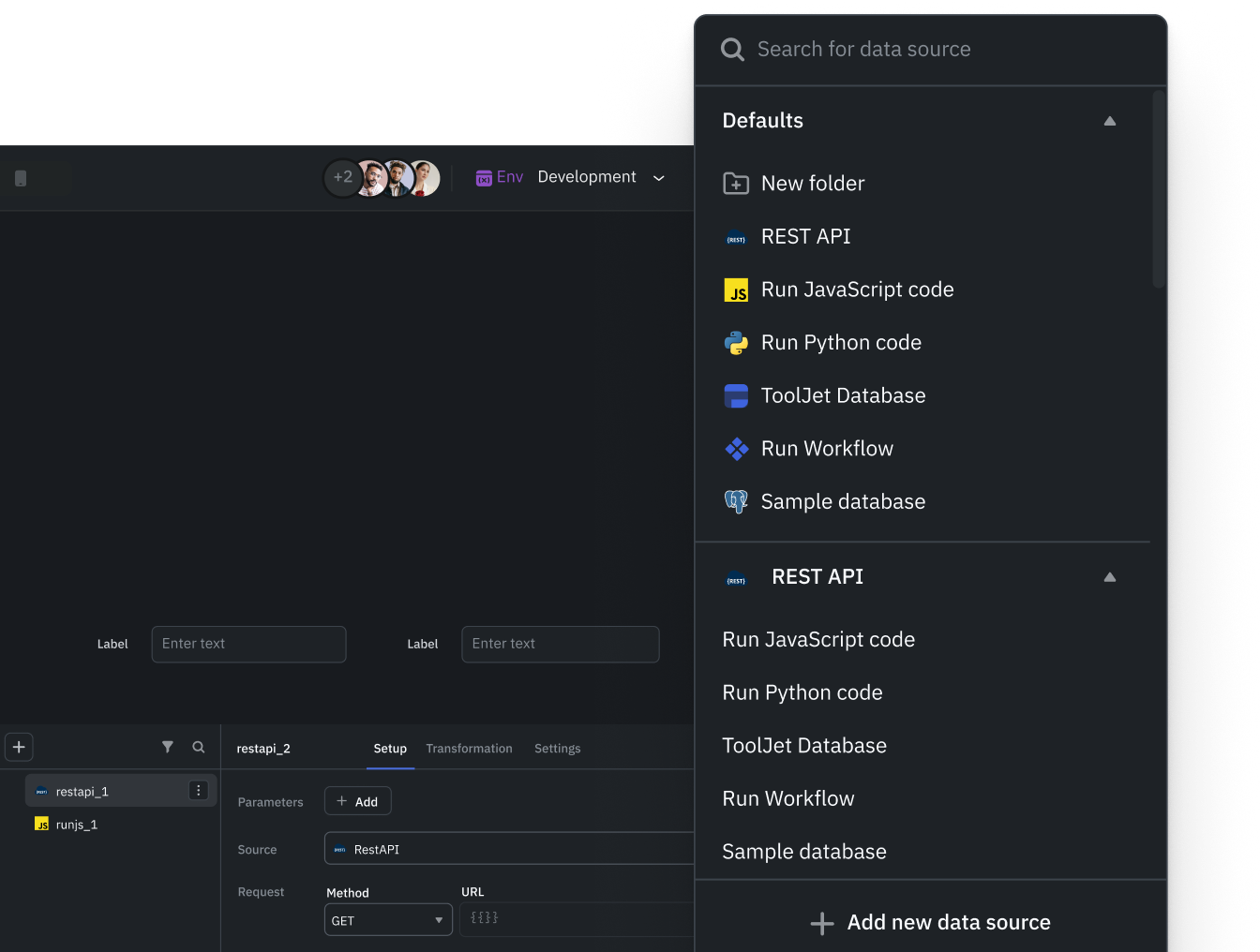
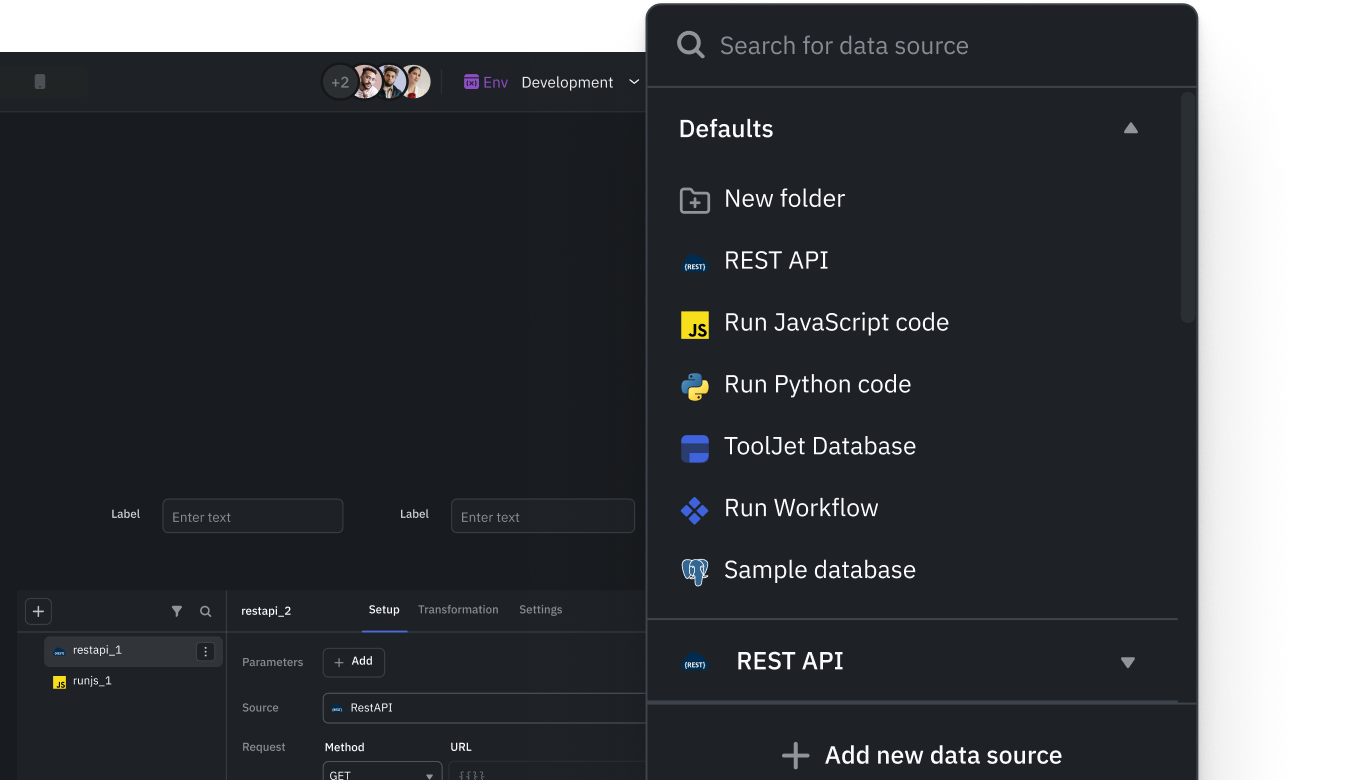
Query builder
Connect UI to data with minimal configuration, making data-driven apps easy to build and modify.
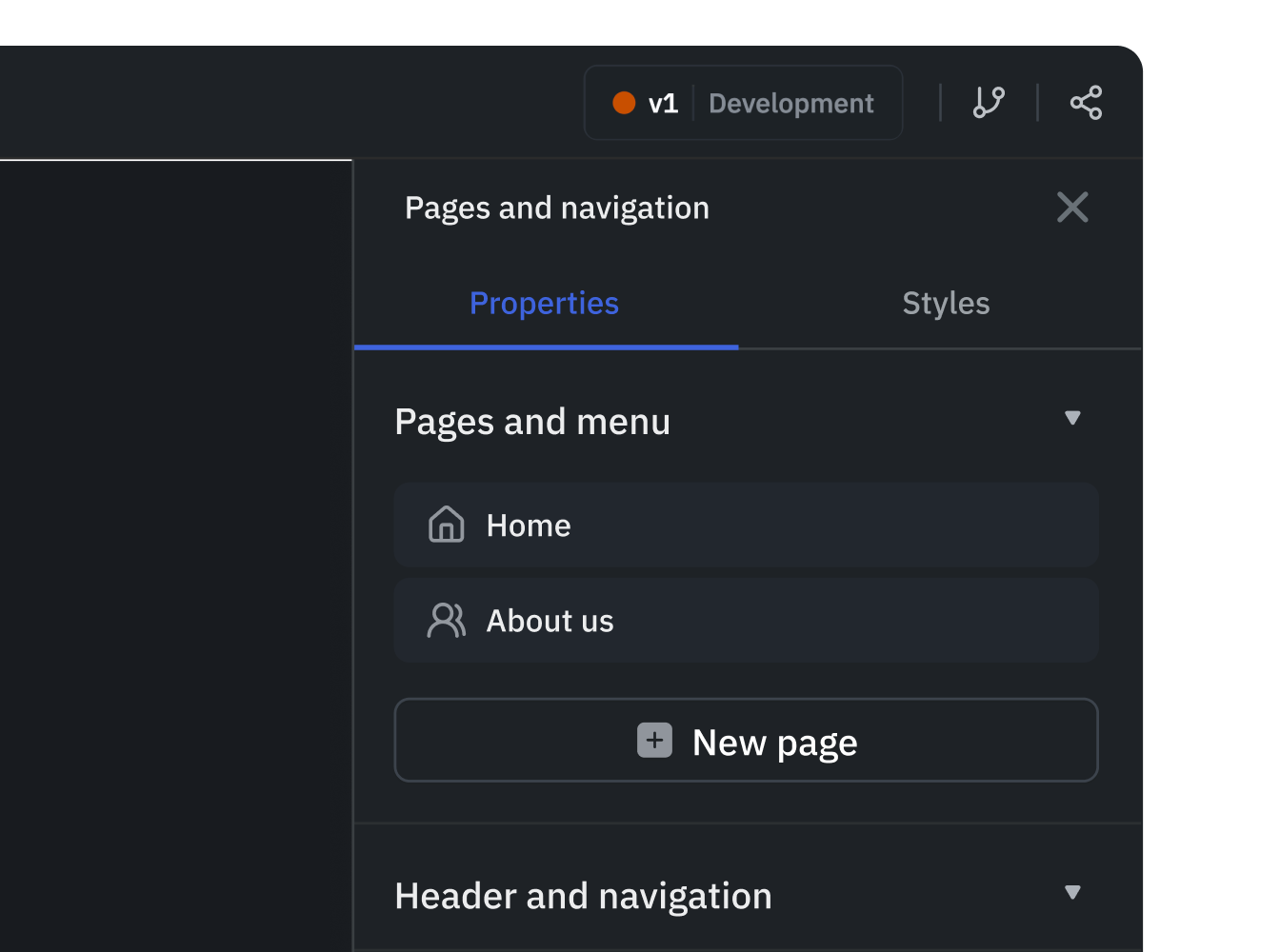
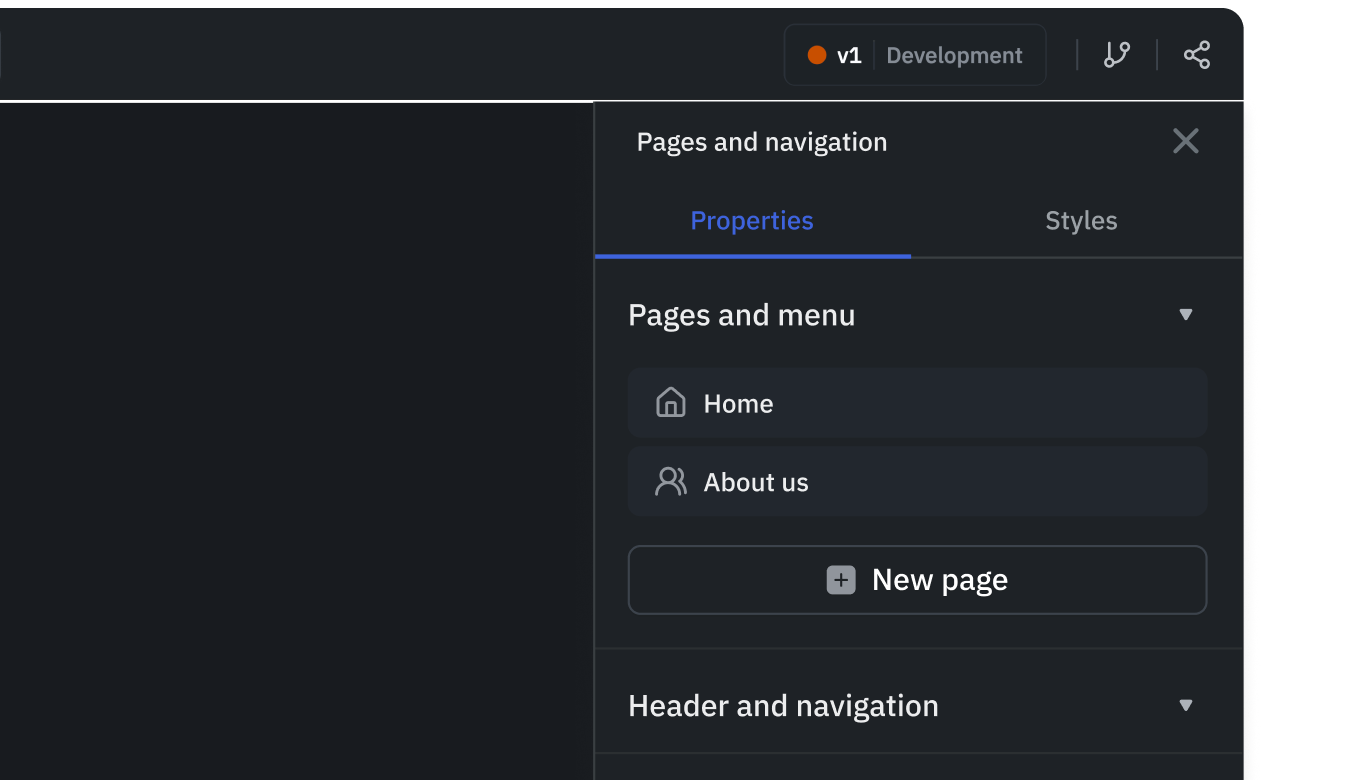
App navigation
Organize your app into pages so users can move between tasks and find the information they need.
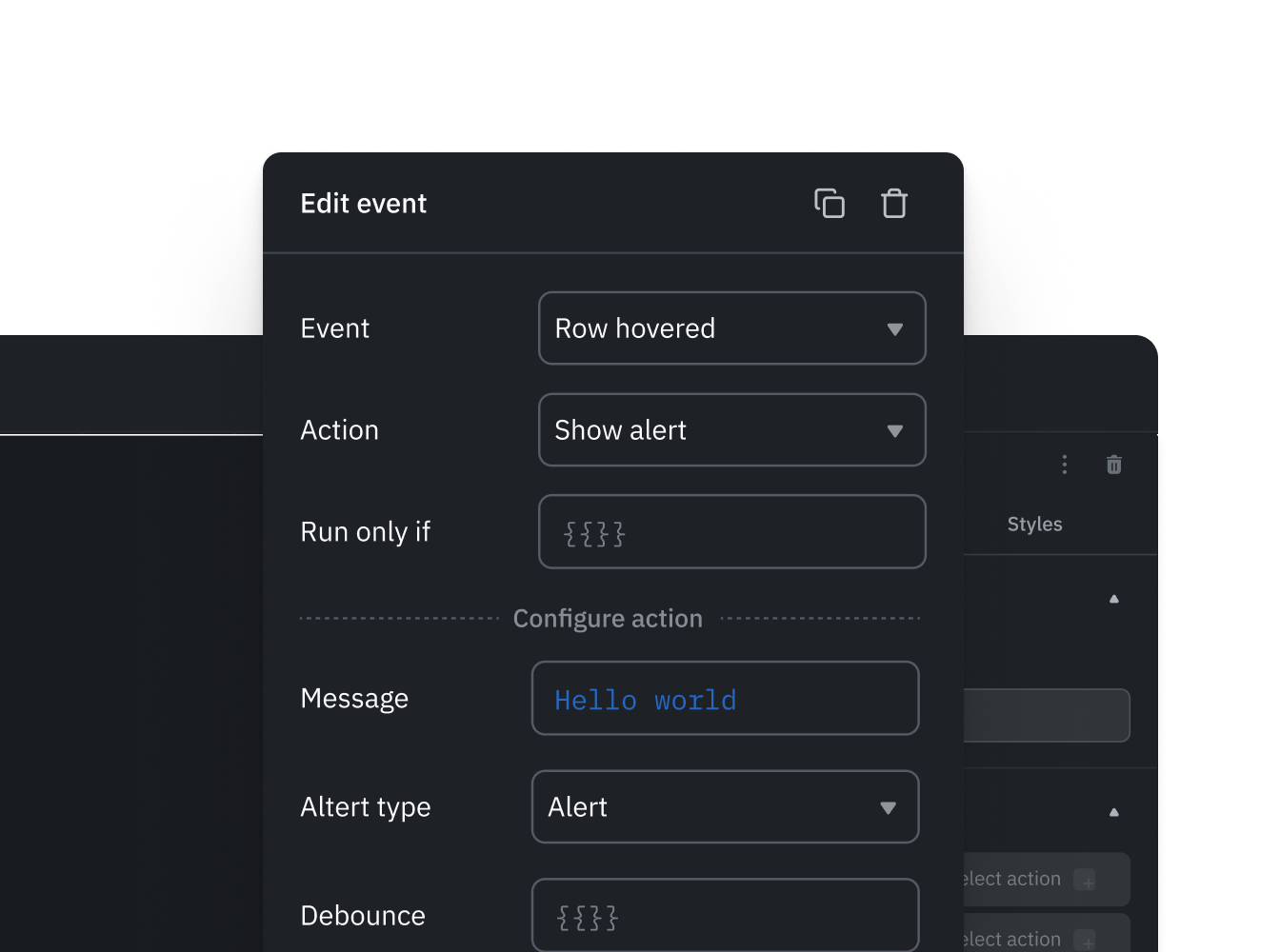
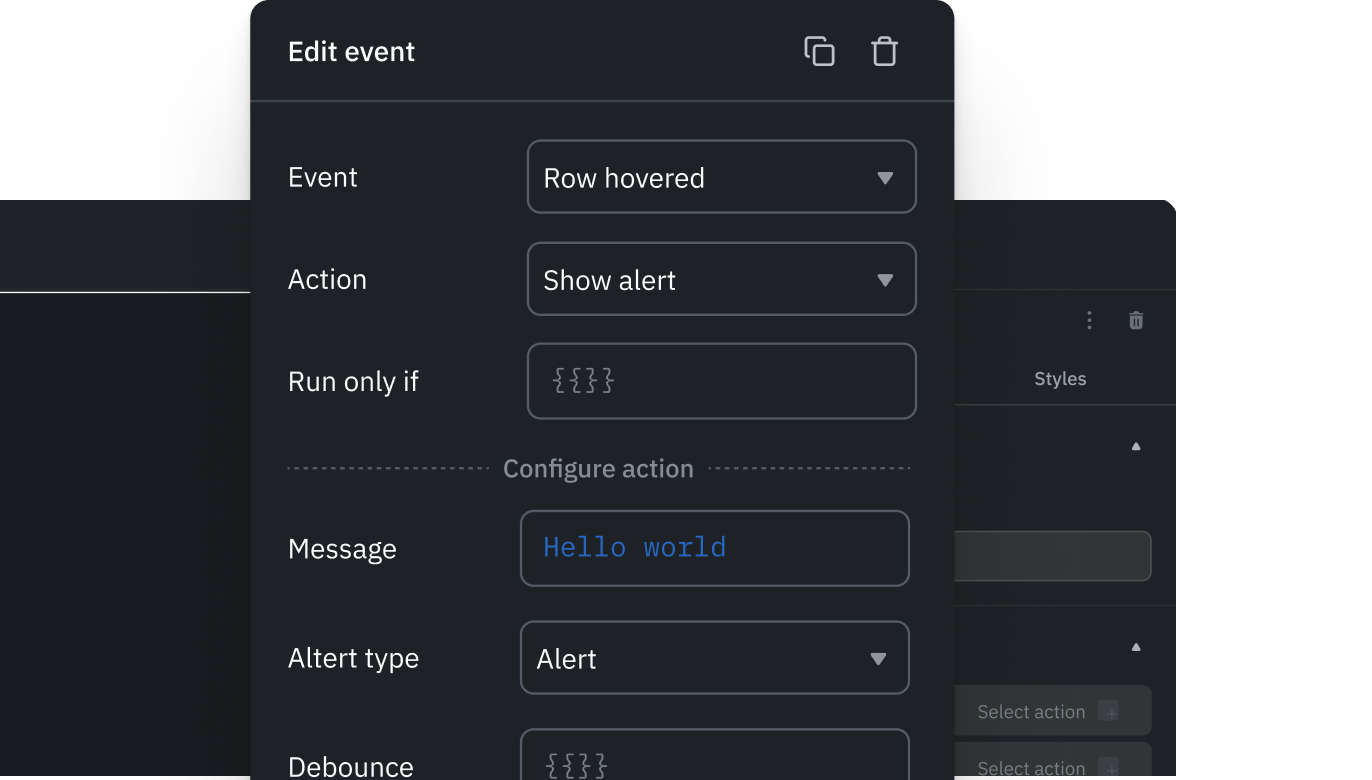
Event manager
Visually define and manage user interactions in one place, making app behavior predictable and easier to maintain.
Extend with code when needed
Extend apps with JavaScript, Python and custom components. Build from Claude Code or Codex through the ToolJet MCP server, then keep editing the same app visually.
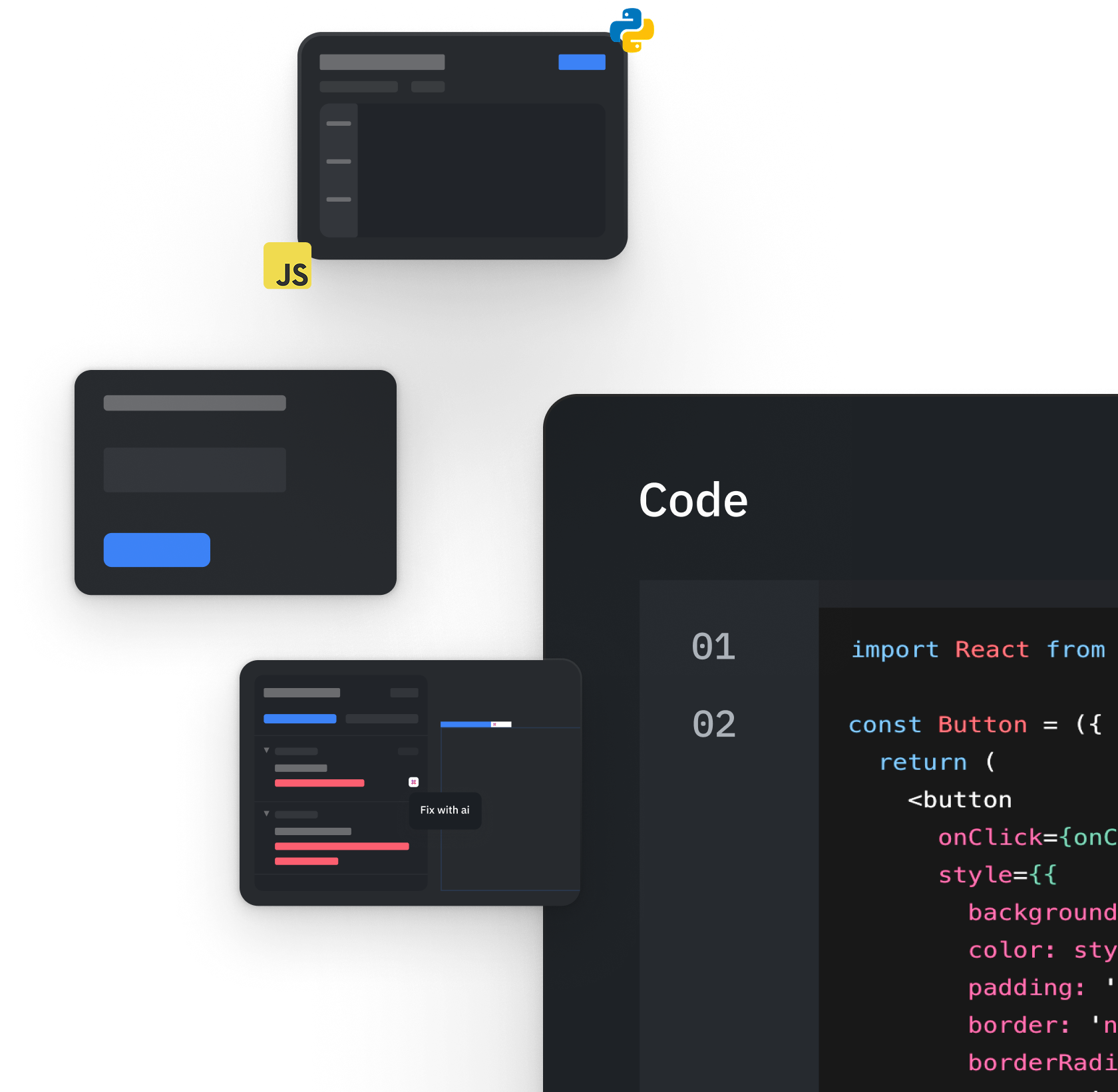
Custom React components
Build highly specific UI or functionality when out-of-the-box components aren’t enough.
Queries across data sources
Fetch and control data from SQL, NoSQL, and APIs with full flexibility over how data is retrieved.
Data transformation
Shape and prepare data before it reaches the UI, keeping apps clean and performant.
Run JavaScript & Python
Implement complex business logic and workflows directly within your app.
Debugger
Quickly identify and fix issues across queries, events, and components, reducing time spent troubleshooting.
Scalability, consistency and maintenance
Scale apps confidently by enforcing consistent design, reusable layouts, and structured styling across applications.
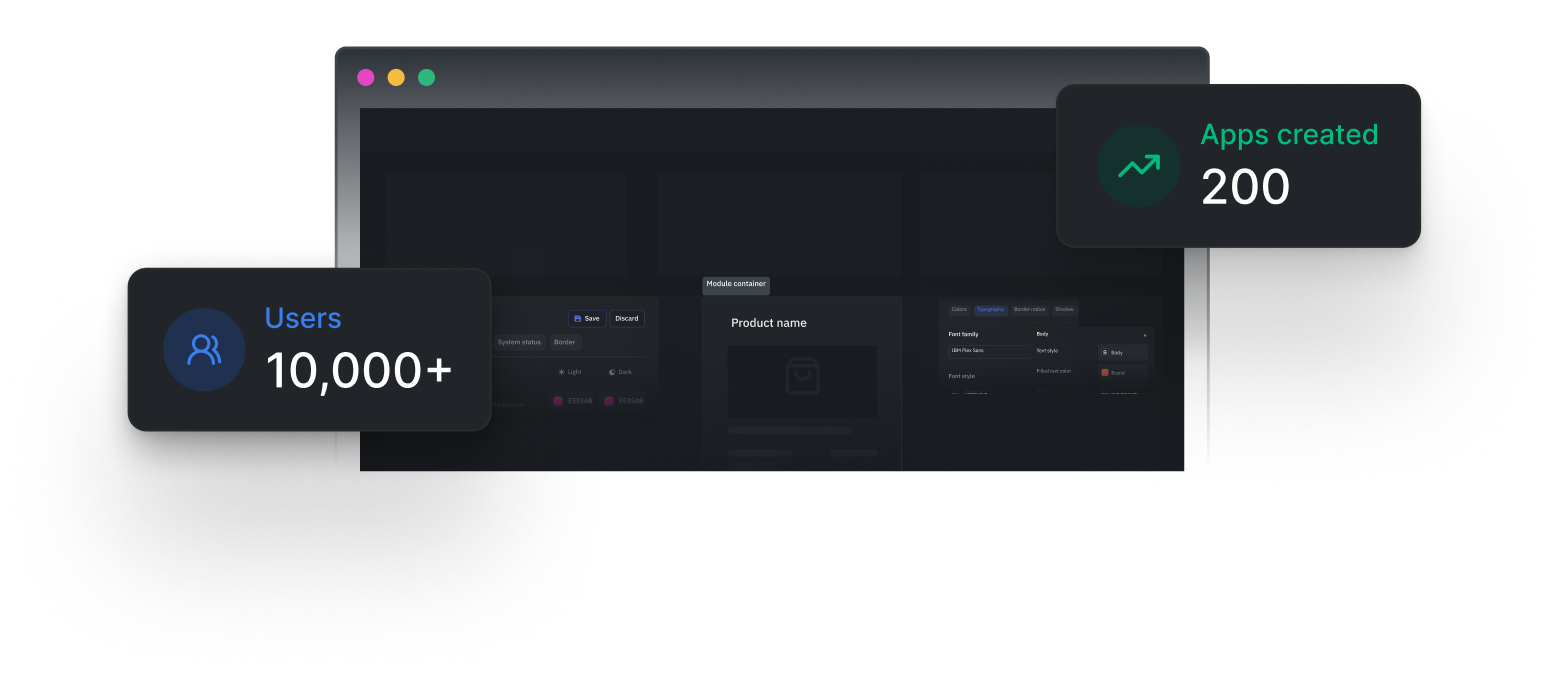

Modules
Group related components and logic into reusable modules so shared features are easier to maintain.

App themes/Design system
Apply a unified design system across apps to maintain brand and UI consistency at scale.

Custom styles
Fine-tune UI appearance where needed without breaking overall design structure.

Flexible layout components
Compose complex, responsive layouts easily to match real-world UI requirements.
Real use cases powered by AI app builder
Build internal dashboards and business apps, then review data access, permissions and behavior before release. For a starting point, explore ToolJet app templates, including inventory management and customer implementation. Each template includes screenshots, sample data and customization guidance.
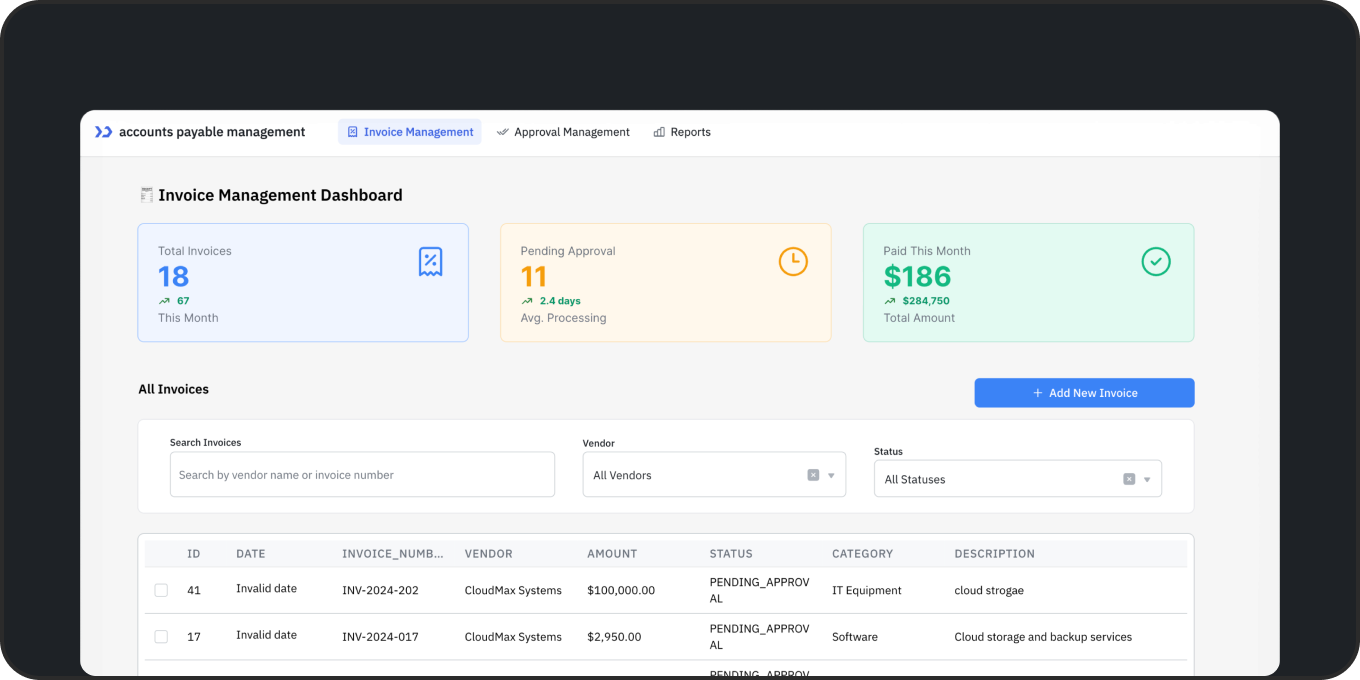
Build an accounts payable app with AI
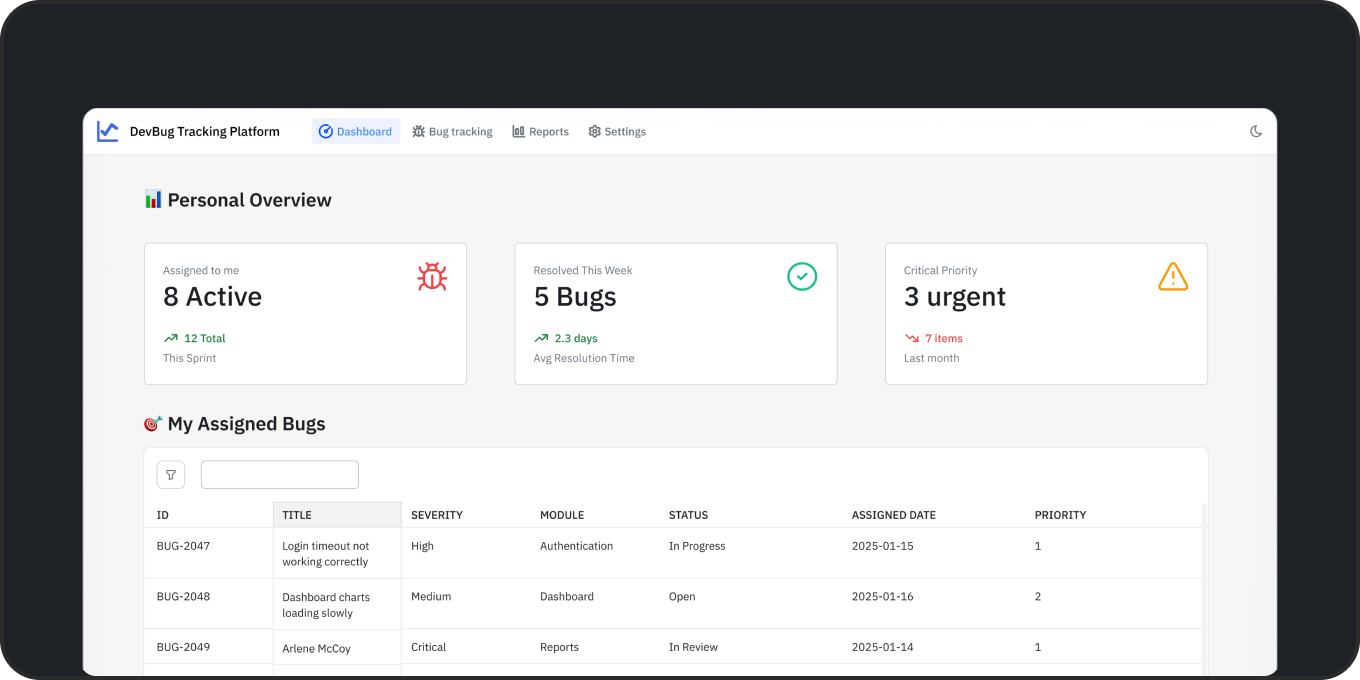
Build a bug tracker with AI
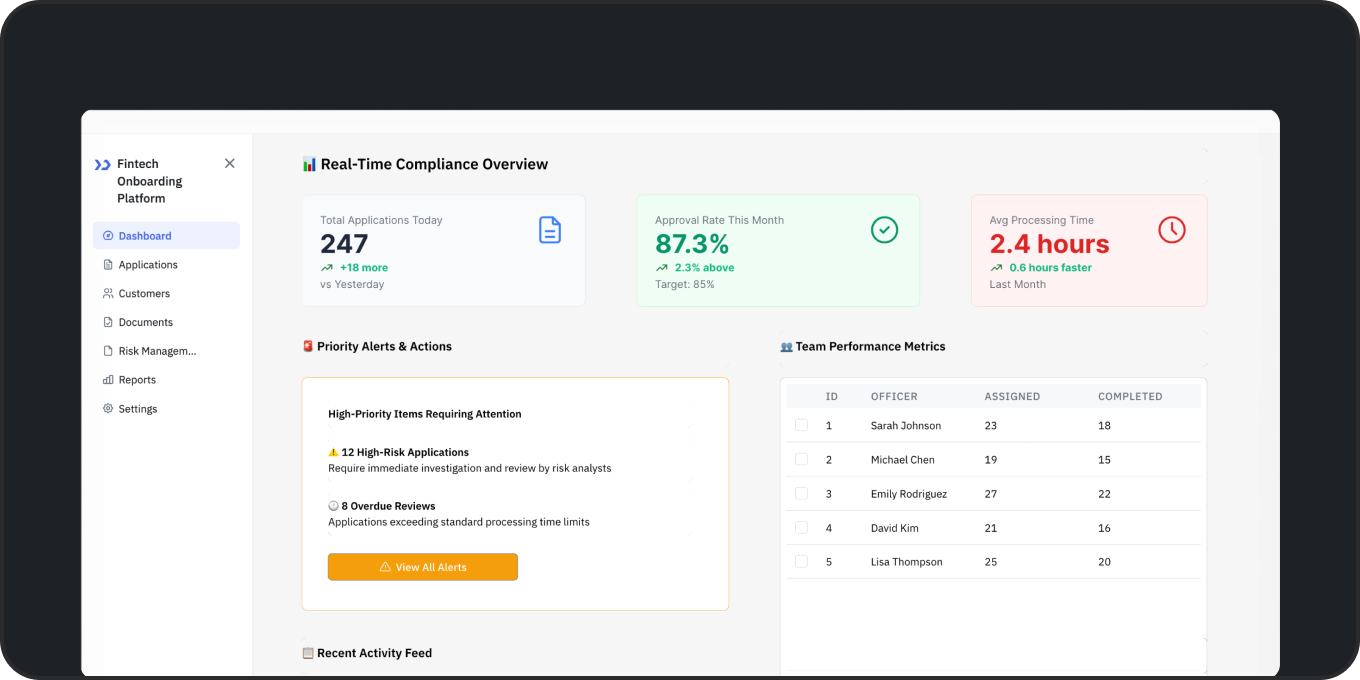
Build a customer onboarding app
Why enterprises choose ToolJet

Faster speed to market
FalconX reported 85% less internal tool development time. Read the case study.

Enterprise-grade security
Granular access controls and encrypted data-source credentials. Team includes SSO and audit logs. Review security and certifications.

Seamless integrations
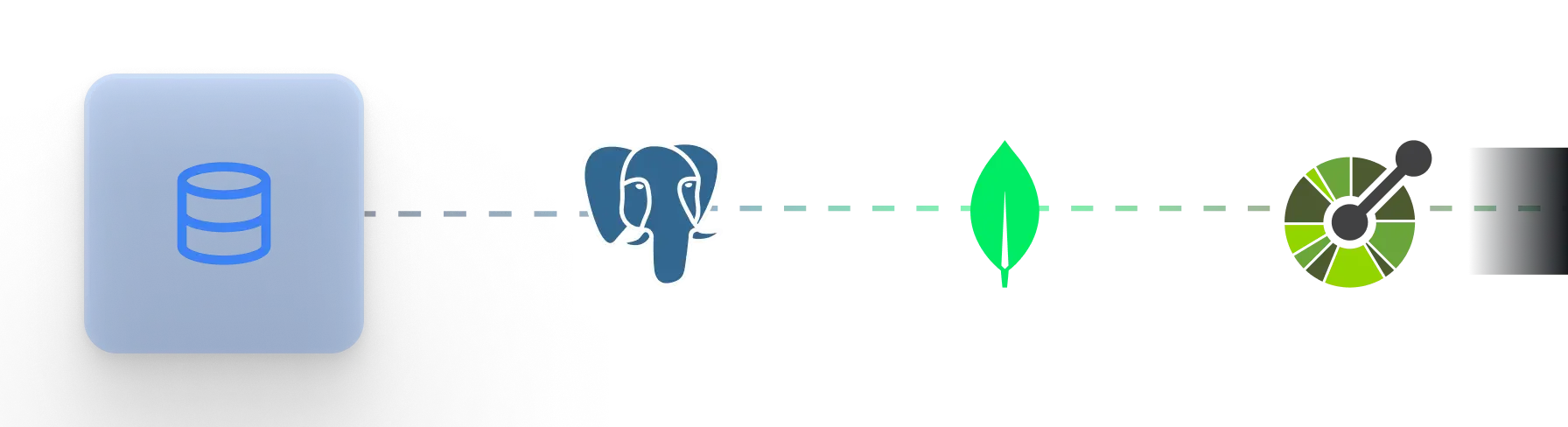
Connect 100+ data sources, including PostgreSQL, MongoDB, REST APIs and Google Sheets. Explore integrations.

Enterprise rollout in practice
Navitas built 31 internal apps in 60 days, connecting shared-services teams to their business data. Read the Navitas customer story.

Flexible deployment
Choose ToolJet Cloud, operate your own deployment, or have ToolJet manage hosting in your AWS, Azure or GCP account. Compare hosting responsibilities.
Frequently asked questions
When should an enterprise choose ToolJet for AI app development?
Choose ToolJet when you need internal apps connected to business data, AI-assisted building and a visual editor for ongoing changes. Common uses include admin panels, approval apps and operations dashboards. Use Cloud for a hosted platform or Self-hosted for infrastructure control. Plan-specific identity, audit and release controls help your team govern the apps it builds.
What does ToolJet generate, and can I change it without prompting again?
ToolJet generates native app pages, components, queries and events. Open the result in the visual builder to change a layout, edit a query or adjust an action without another prompt. You can also ask AI for further changes. The app remains a ToolJet app rather than a standalone frontend codebase.
Which customers have built internal applications with ToolJet?
Navitas reports 31 internal applications delivered in 60 days with one application builder and no traditional developers. MGID reports 20 active applications across its ad-tech operations. These published customer stories describe specific deployments and outcomes; they are not promises of the same result for every team.
Can AI app builders create production-ready apps?
ToolJet AI generates multi-page internal apps connected to your databases and APIs. Refine the result in the visual builder, review queries and permissions, and test it before releasing it to users. AI generation accelerates the build; your team still owns validation and deployment.
Do I need coding experience?
You can generate an app from a prompt and edit forms, tables and layouts without writing code. Developers can add SQL, JavaScript, Python or custom components when needed. Data connections, write actions and permissions still need review by someone who understands your systems.
How secure is ToolJet?
ToolJet encrypts data-source credentials with AES-256-GCM and supports role-based access. Team includes SSO, audit logs and GitSync; Enterprise adds SCIM. Review compliance evidence in the ToolJet Trust Center. Before releasing a generated app, test its queries, permissions and handling of sensitive data.
Can ToolJet integrate with our existing systems?
Yes. Connect through 100+ integrations, including PostgreSQL, BigQuery, Salesforce and REST APIs. Add JavaScript or Python queries and custom components where needed; custom connectors are available on Self-hosted deployments. Scope connected credentials to the data and actions each app requires.
Can I build with Claude Code or Codex and still edit the app visually?
Yes. The MIT-licensed ToolJet MCP server lets coding agents compose native ToolJet pages, queries, components and events on Cloud or Self-hosted. Open the resulting app in the visual builder to refine it. MCP builds use your coding agent's model usage rather than ToolJet AI credits; platform plan costs still apply.
Which low-cost AI models can I use?
GPT-6 Luna is available for app generation on the Free plan. Claude Haiku 5.5 requires a paid plan. Haiku 5.5 is another low-cost option: estimated AI usage for a four-page app is about $0.20 to $0.40. Actual usage depends on the app, model and follow-up edits. These figures exclude subscription and hosting costs.
Can ToolJet AI run entirely inside our infrastructure?
Yes, with the Self-hosted Enterprise AI gateway add-on and a supported model running on your infrastructure. Builder BYOK is available on Enterprise plans for both Cloud and Self-hosted. An external model provider still receives AI requests when you use its API key; BYOK alone does not make AI fully local.
Does the AI app builder include workflows and AI agents?
ToolJet's AI app builder generates the application interface and its data queries. On Self-hosted deployments with Workflows enabled, coding agents connected through ToolJet MCP can also generate and edit workflow drafts, validate them, and run them when explicitly requested. Workflows orchestrate scheduled, webhook-triggered and app-triggered processes; Agent Builder adds AI agent nodes. Workflows and Agent Builder are not available on ToolJet Cloud. Review the draft and connected permissions before execution.
Start building internal apps with ToolJet today
Join leading enterprises using ToolJet to create secure, scalable applications faster than ever.


No credit card required
14-day free trial
Deploy in your cloud
Contact us

