


get_datasource_query_schemaReads before it writes
Pulls real datasource and query contracts before writing a single query - no guessed configuration keys.
Build an app in your coding agent and keep editing visually. On Self-hosted, build workflow drafts the same way, then review and validate before you choose to run.

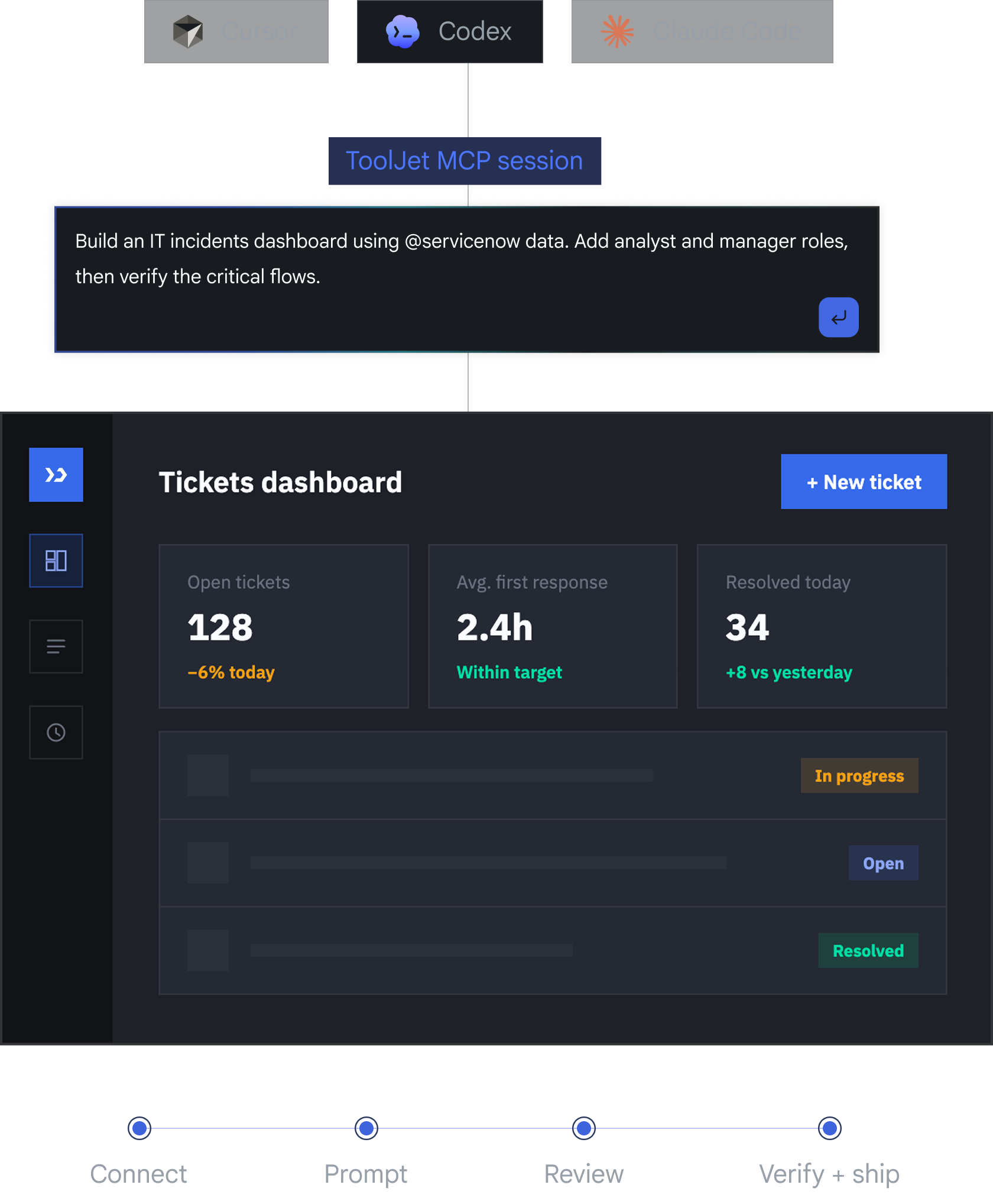
Bring the coding agent your team already uses
 Codex
Codex Claude Code
 Cursor
 GitHub Copilot+Any MCP client
One protocol. Native apps and workflow drafts.
get_datasource_query_schemaPulls real datasource and query contracts before writing a single query - no guessed configuration keys.
create_app · create_workflowBuild native, visually editable apps. On Self-hosted, save workflow drafts with Start, JavaScript, query, Loop, condition, Agent and response nodes.
create_tablesCreates and evolves tables, seeds rows against the real sequence, and generates a matching Form from the schema.
add_eventsClick handlers, success/failure flows, and query bindings - attached the same way the visual builder attaches them.
lint_app_spec · lint_workflow_specPlan app changes and workflow graphs with one-use apply tokens, then validate the saved result. Workflow authoring never runs or publishes the draft.
manage_app_permissionsInvites users and manages page and query permissions within the connected user's access. Destructive deletion tools require explicit confirmation.
From prompt to production
Generate a personal access token in ToolJet, then add the MCP server to your coding agent.
Describe an app, or a Self-hosted workflow. The agent discovers configured data sources and checks their supported operations before authoring.
Review the native app in the visual editor, or inspect the saved workflow draft and its validation results before choosing to run it.
Validate the saved changes, then choose whether to run the workflow. Authoring saves a draft without executing, publishing or configuring triggers.
Native by default

A personal access token scopes the session to one workspace and the token owner's permissions.

MCP changes that generate supported platform audit events are associated with the token owner. Audit-log availability depends on your plan.

Agents query configured data sources through ToolJet without receiving their stored connection credentials.

Review app changes through your normal promotion process. Workflow authoring saves drafts; execution requires a separate, explicitly authorized run.