App development lifecycle
Ship apps from development to production without DevOps overhead. ToolJet gives you built-in version control, multi-environment support, Git sync, real-time collaboration, and one-click deployment-all in one platform.





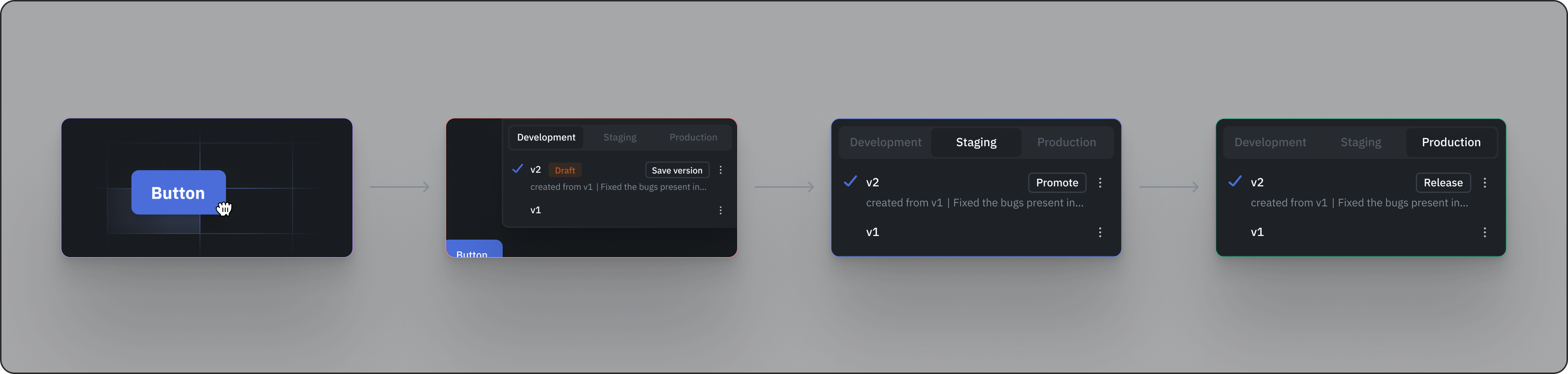




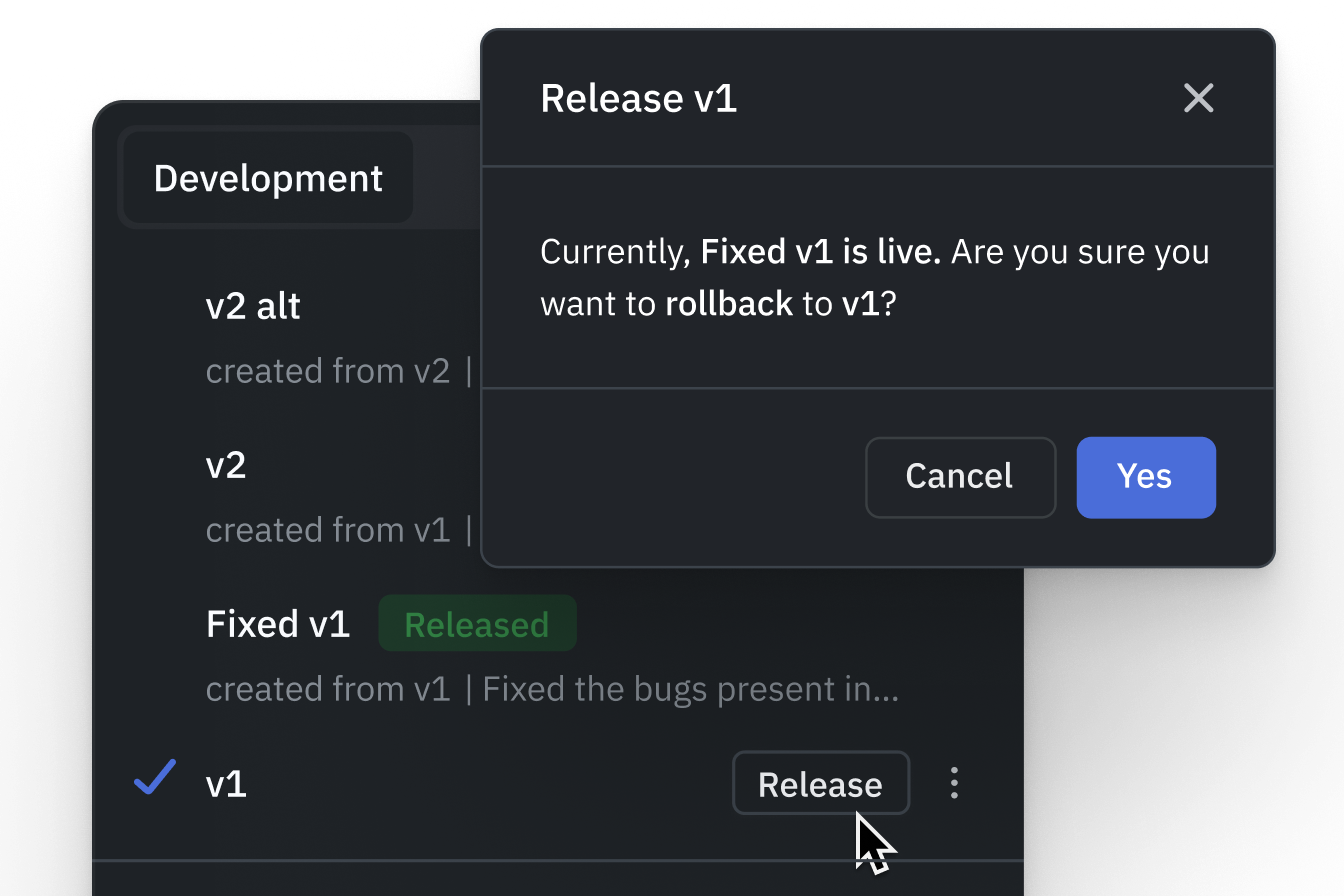


Multi-environment management
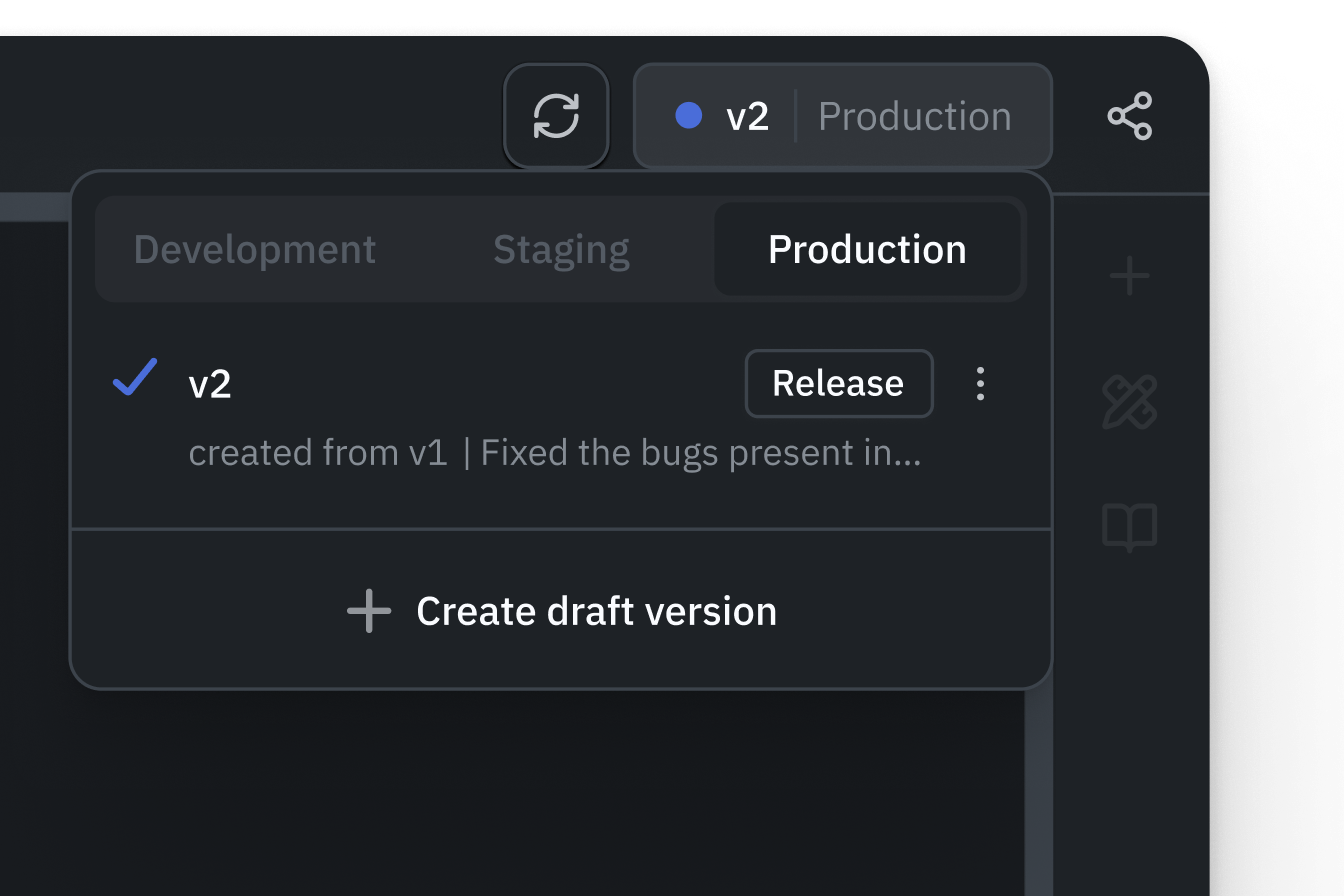
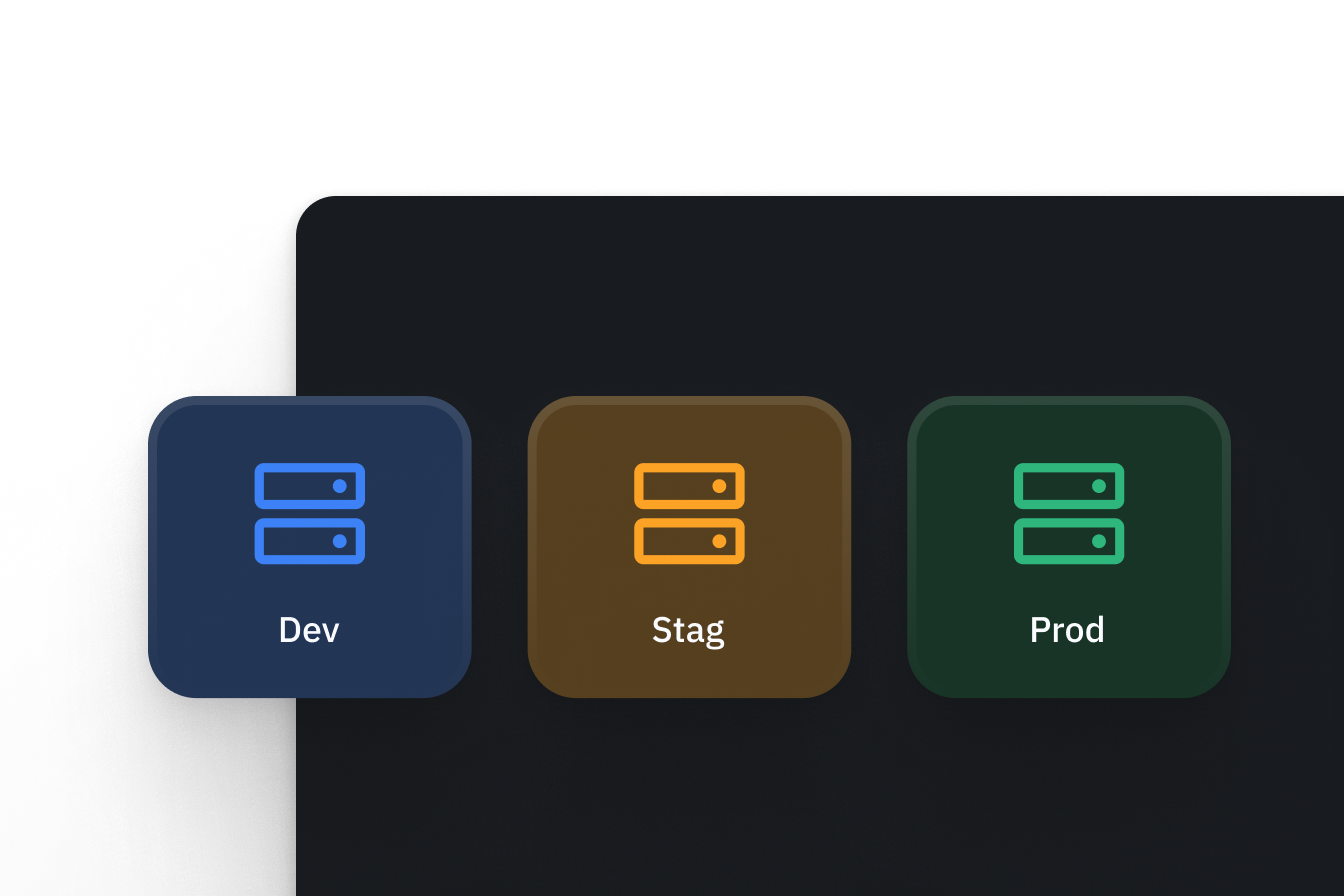
Development, Staging, and Production use separate data source connections and workspace constants within one deployment. Multiple environments are included in Self-hosted Team and Enterprise, and Cloud Enterprise. Compare plan availability.
Development
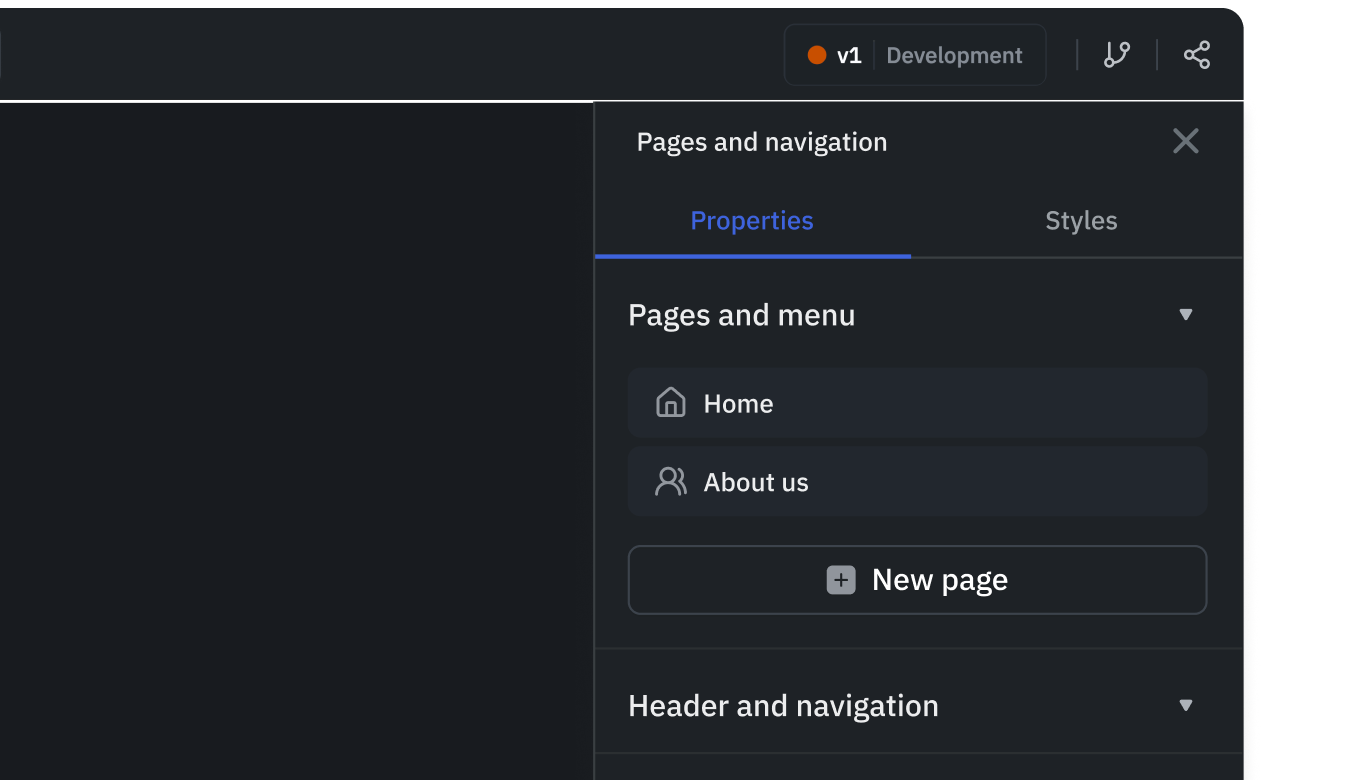
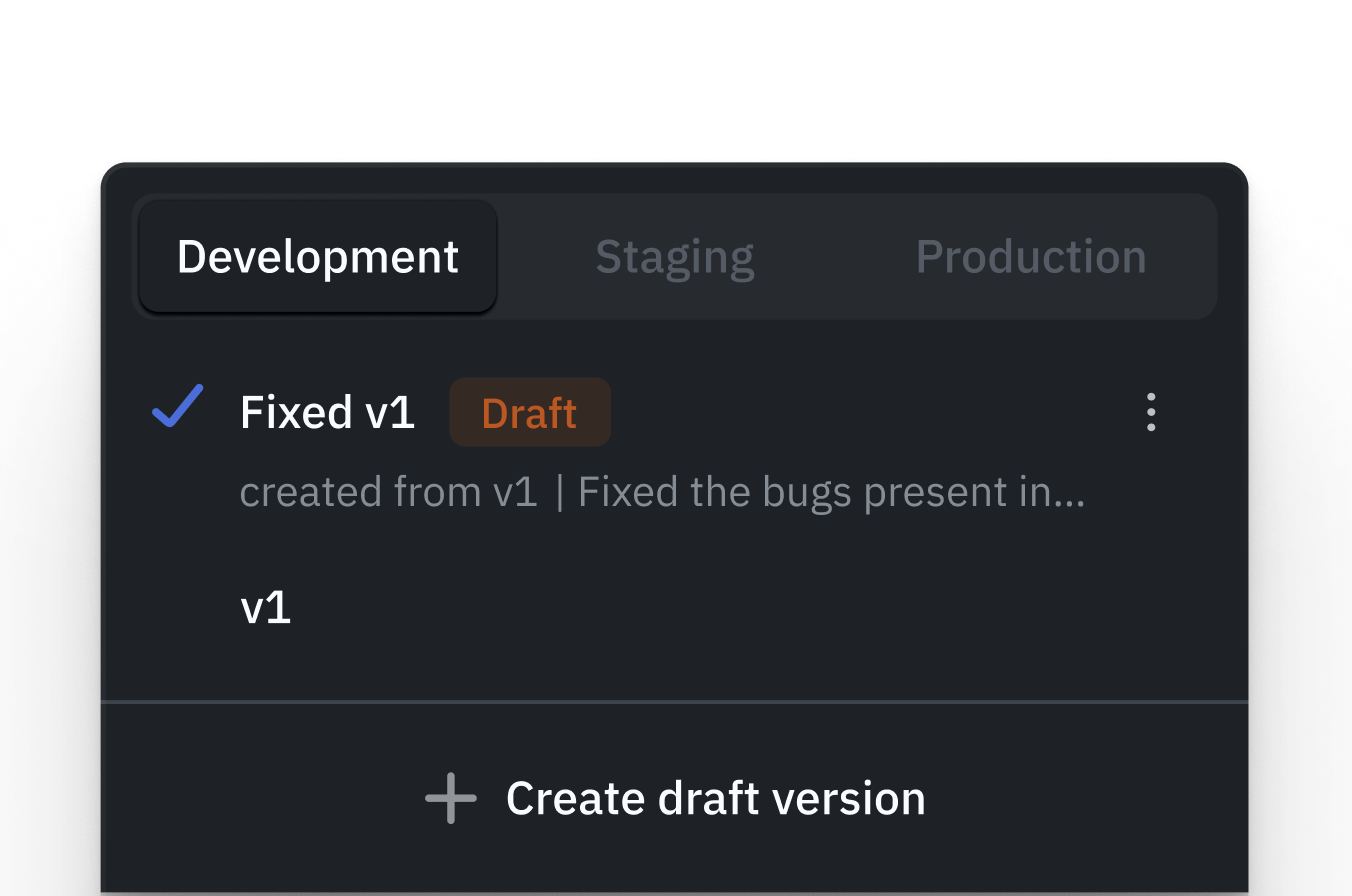
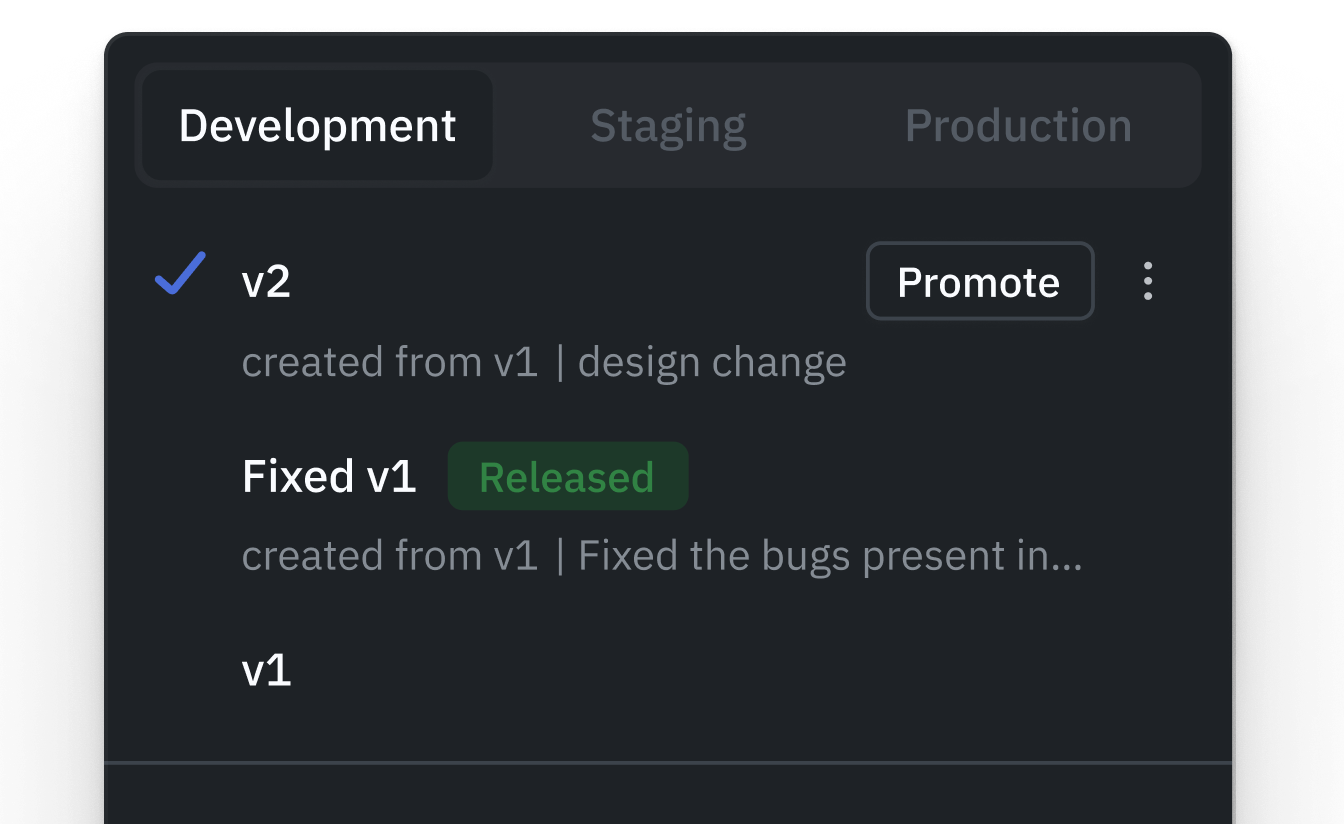
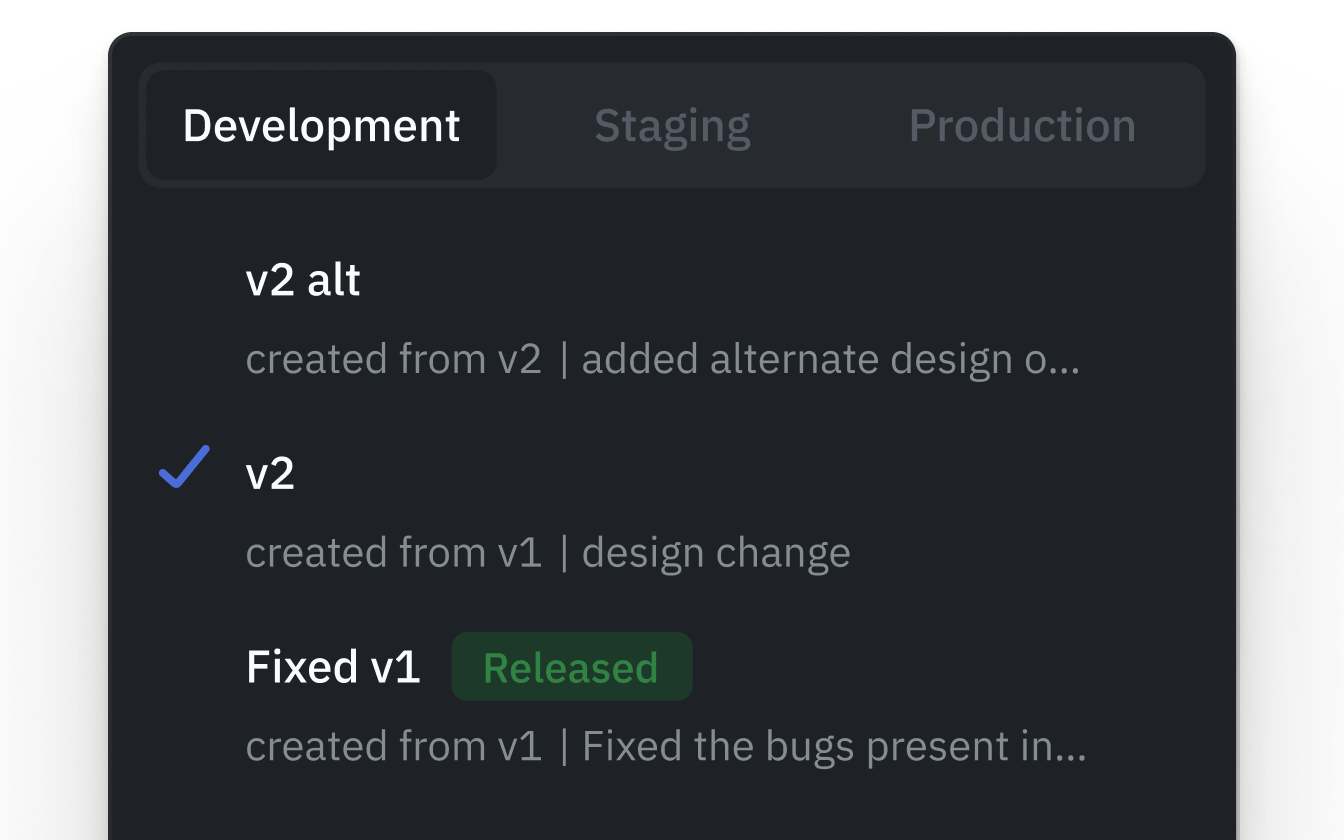
Your sandbox for building and iterating. Connect to development databases and APIs, experiment freely, and create draft versions without impacting other environments.
Staging
A pre-production environment for validation. Apps cannot be edited here-stakeholders, testers, and product managers review and provide feedback before production release.
Production
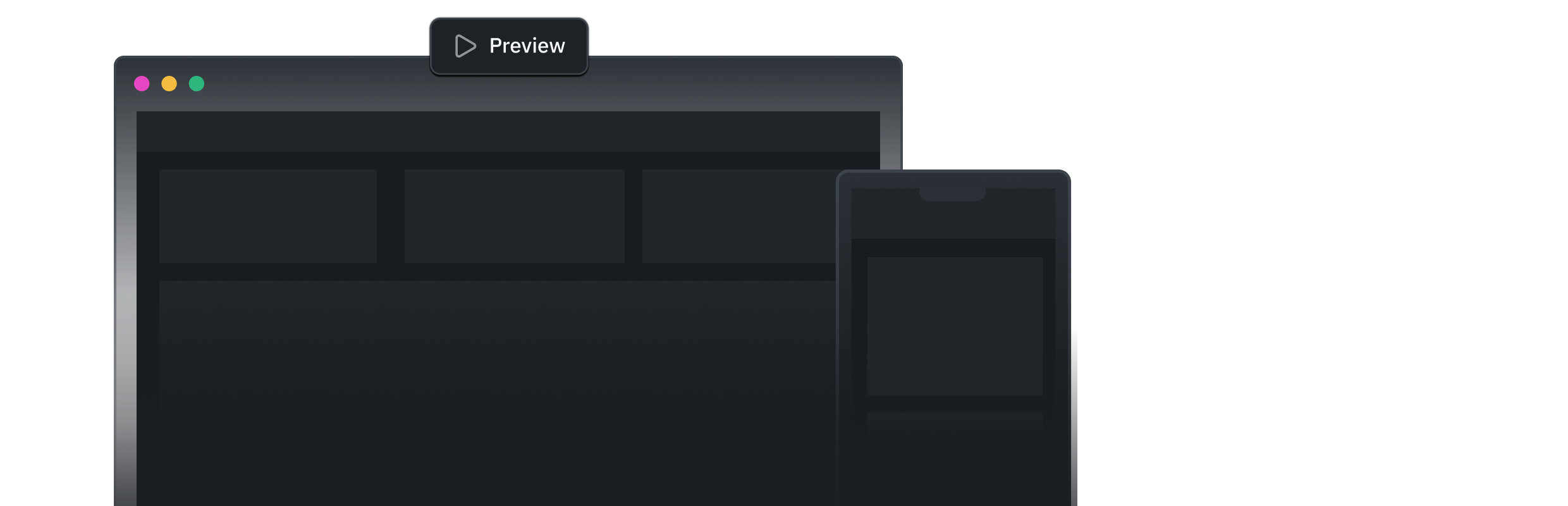
The live environment where apps are released to end users. Test with production data and constants before publishing. Release with the click of a button.
Environment-Specific configuration
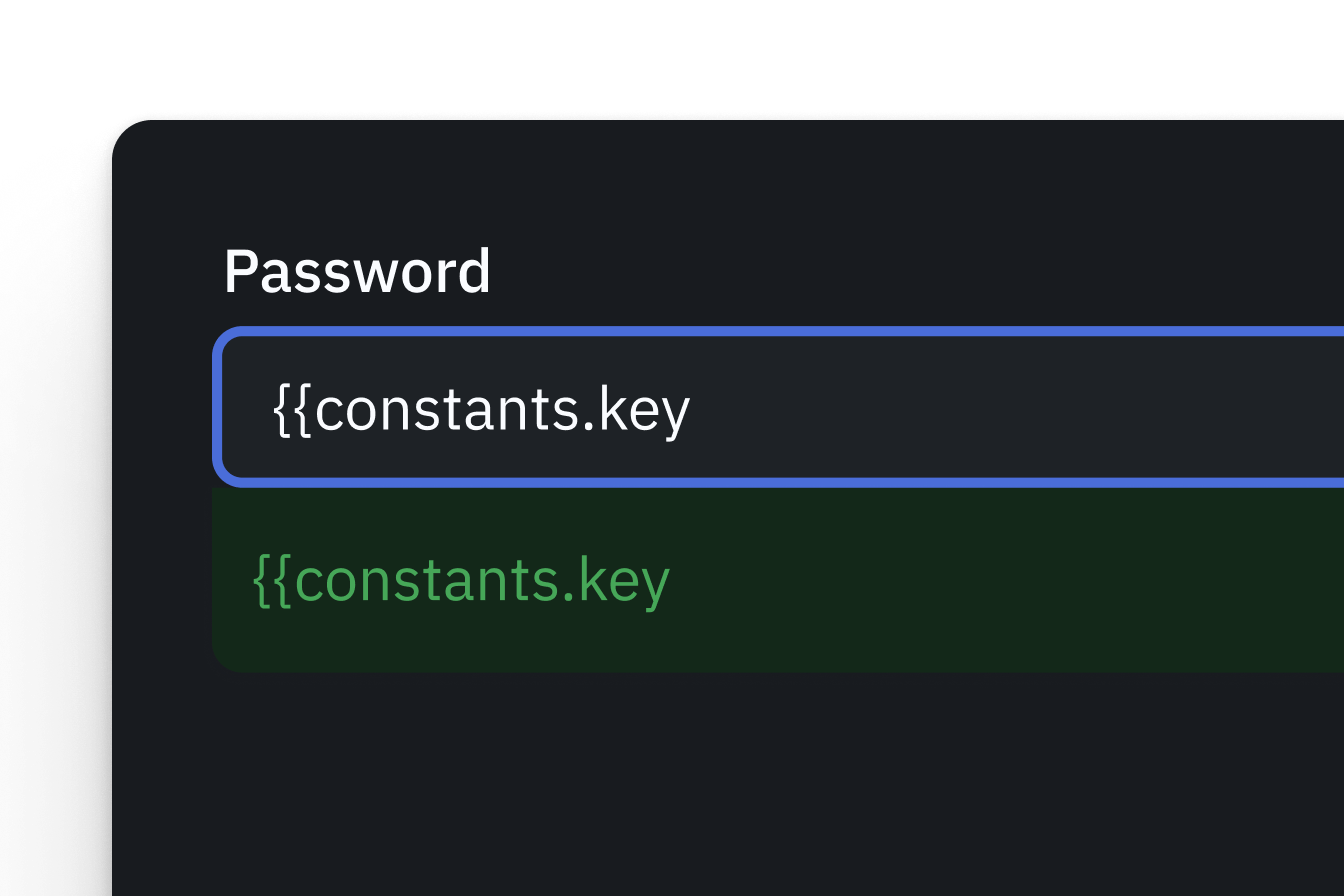
Define unique data source connections, API keys, secrets, and workspace constants per environment. Prevent accidental use of production credentials during development.










Real-time collaboration
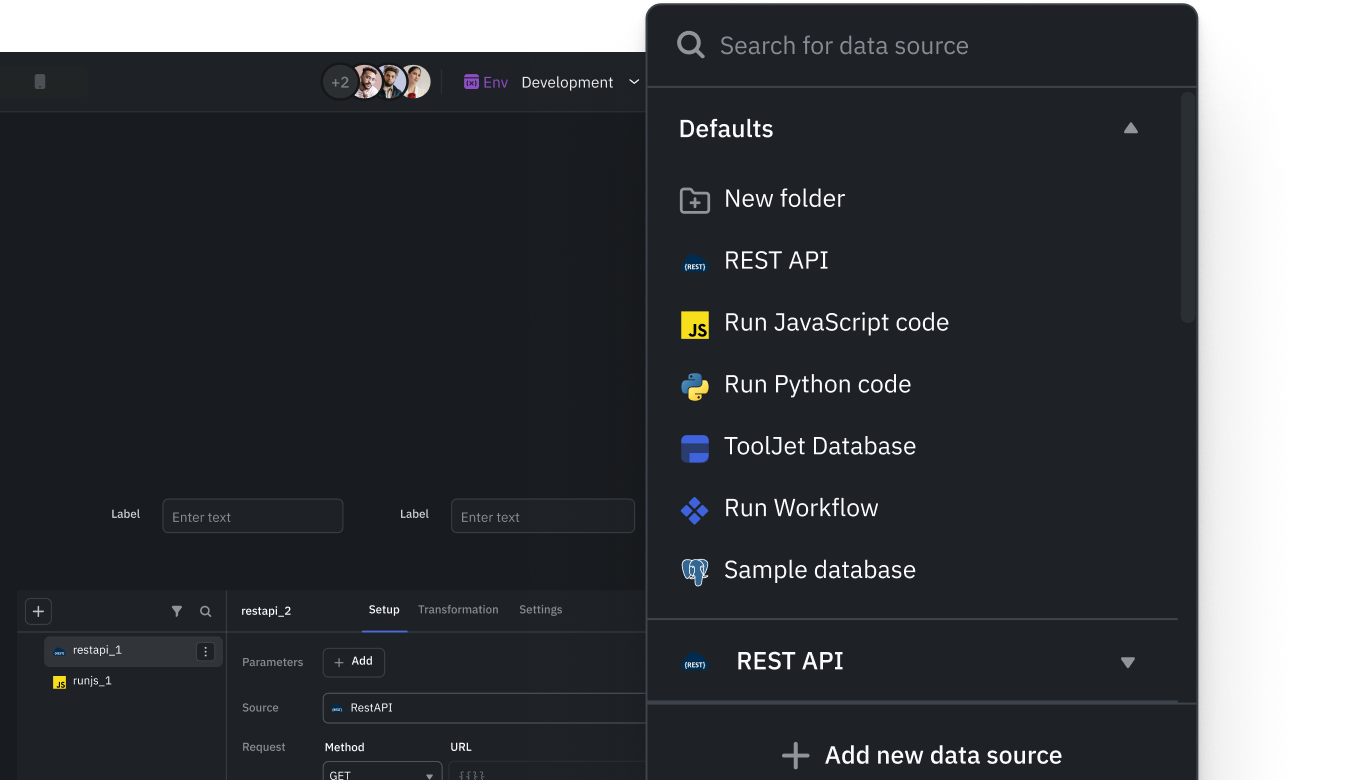
Multiple people can work on the same app at the same time. Leave comments, organize by team, and control who can do what.
Multiplayer editing
Multiple developers can simultaneously edit the same application in real time. Live presence indicators show who is working where, preventing conflicts and keeping everyone in sync.
Inline comments
Add comments directly on the canvas anywhere in your application. Tag and mention team members to provide feedback, ask questions, or flag issues without leaving the builder.
Workspaces
Organize apps by team or department with dedicated workspaces. Each workspace has its own applications, data sources, users, and permissions.
Role-based access control
Set specific permissions for admins, developers, and end users within each workspace. Decide who can build, edit, deploy, and view applications.