AI chatbots
Build chatbots for your business
Build a chat interface for your business apps with ToolJet. Connect an AI query, configure message events, and control the data your chatbot can access.
Build a chat interface for your business apps with ToolJet. Connect an AI query, configure message events, and control the data your chatbot can access.






























-5.avif)
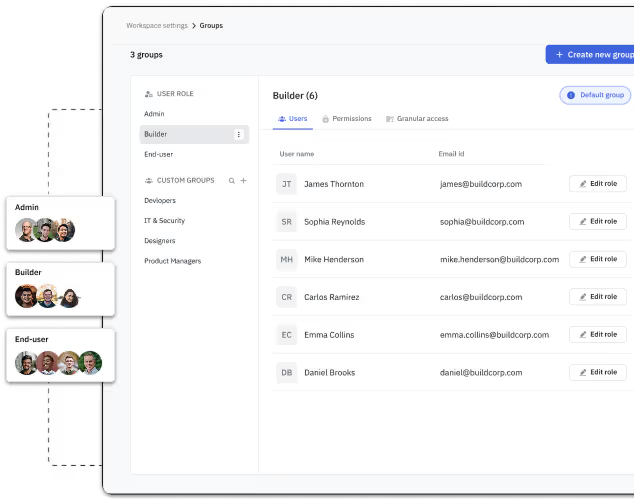
Start with the Chat component, connect an AI query, and configure message and response events. Review queries, access controls and failure handling before sharing the app with users.
Use integrations for providers such as OpenAI, Google Gemini and Anthropic to generate responses. Configure the provider credentials, model and query for your use case, and review provider usage costs and data handling.
-5.avif)
-5.avif)
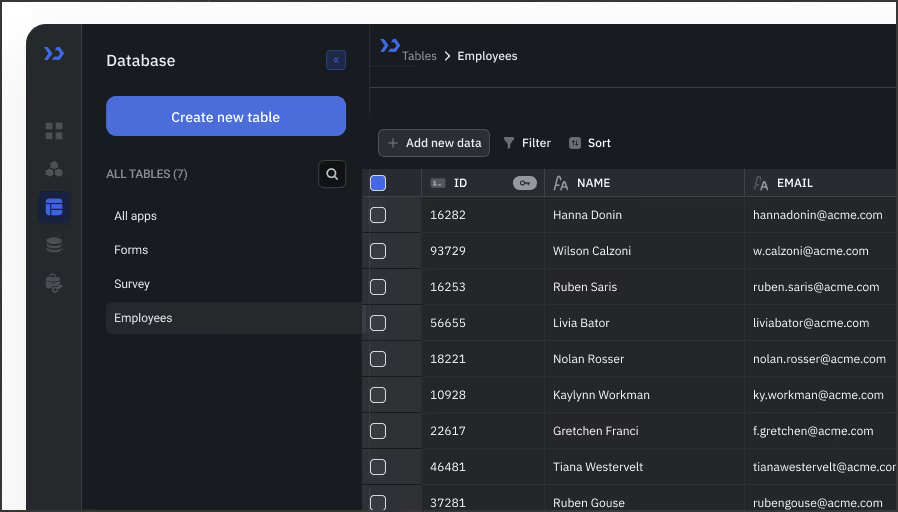
Connect vector databases such as Weaviate, Pinecone and Qdrant to build retrieval queries. Configure indexing and retrieval for your knowledge sources, and enforce access restrictions before passing results to the model.
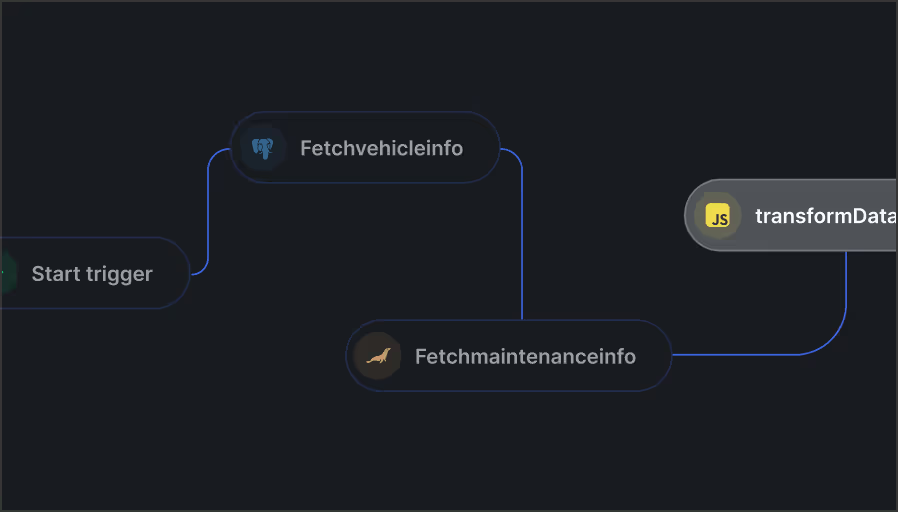
Use app queries and events to connect conversations to business actions. On Self-hosted deployments, Workflows can coordinate multi-step automations. Review permissions, external service access and consequential actions before release.
-5.avif)