Connect databases, APIs, AI providers, and business tools to ToolJet. Find a connector, try a sample app prompt, or build your own with the ToolJet CLI.
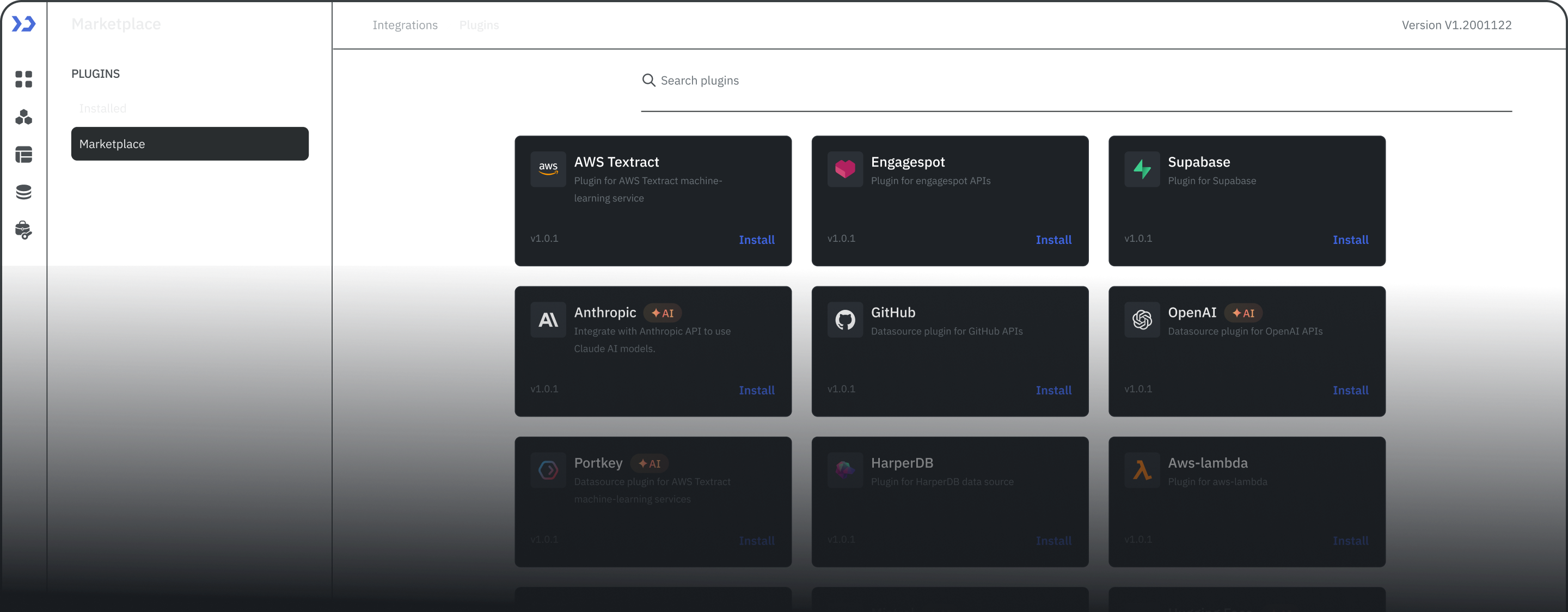
Find the connector for your data, see what it supports, and get a prompt to start building. Browse the complete catalog or filter by name, capability, and category. For service operations, explore apps you can build on ServiceNow.
Connect internal systems and proprietary APIs on Self-hosted deployments. Private connectors are not available on ToolJet Cloud.
Frequently asked questions
What can I connect to ToolJet?
ToolJet connects to databases, APIs, AI providers, business tools, messaging services, and cloud storage. Each integration page lists supported operations, connection prerequisites, an app example, and a sample prompt. Use the setup guide to check the requirements for your connector version.
Can I use AI to build an app with these integrations?
Yes. Describe your data source, the app you want, and what users should be able to do. ToolJet's AI app builder can help generate the interface, queries, and app logic. For example, ask for an inventory tracker connected to PostgreSQL or a document portal for Amazon S3. Configure the connection and review the generated app before sharing it.
How do I start with an integration's sample prompt?
Open an integration page and select Build this app below its sample prompt. The prompt is carried into ToolJet's app-building flow; sign in or create an account when prompted. Connect your data source and replace the example table, bucket, or field names with yours. You can also select Copy prompt to adapt it before using it in ToolJet.
Can one app use multiple integrations?
Yes. A ToolJet app can use queries from multiple connected data sources. For example, combine customer records from PostgreSQL with documents from Amazon S3 in one support workspace. Describe each source and its role in your prompt, then configure the connections and how their query results are used in the app.
What do I need to configure after AI generates the app?
Provide the connection details and credentials required by each data source, check the generated queries against your schema and the connector's supported operations, and configure app permissions. Test the app's actions and error handling before sharing it. A sample prompt describes the app to build; it does not grant access to your data.
Can I build or extend a ToolJet integration?
Yes. ToolJet integrations are open source. You can adapt an existing connector or use the ToolJet CLI to scaffold a marketplace plugin and implement its connection settings and operations in JavaScript or TypeScript.
Can I use private connectors on ToolJet Cloud?
No. Private connectors are available on Self-hosted deployments, not ToolJet Cloud. For a custom API, explore the REST API, GraphQL, or OpenAPI connector and check its authentication and connectivity requirements.
Need help with an integration?
Connect your data and build your first app with ToolJet. Start for free or talk through your requirements with our team.