
Image converter
Convert your images effortlessly with ToolJet’s Image Converter – change formats, size, and quality of images online for free!
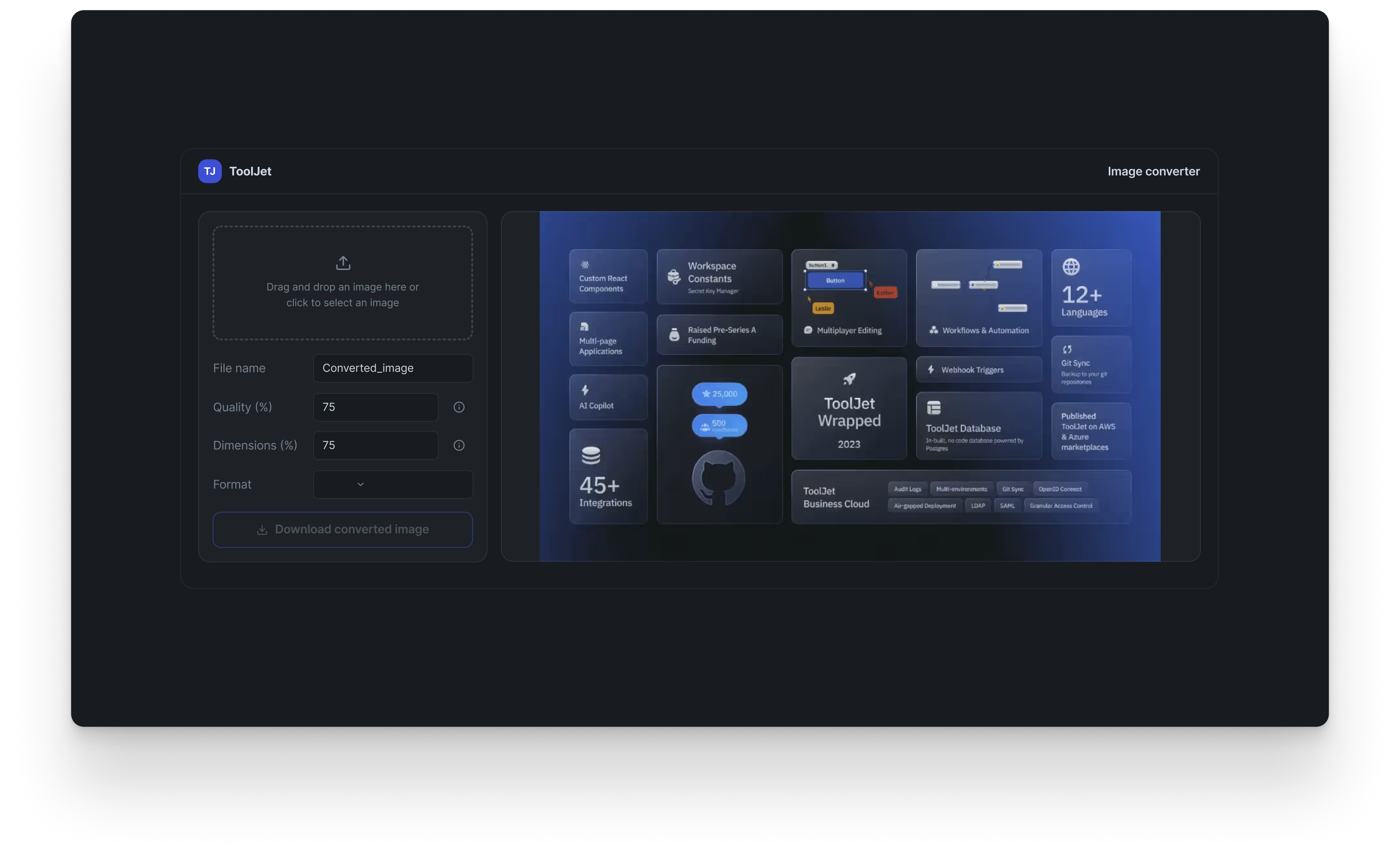
What's included in the Image converter template
- Pre-built Templates for quick and easy setup of your image converter online and free.
- Seamless Integrations with various image processing tools for efficient conversion tasks.
- Complete Control over image quality, dimensions, and formats for informed decision-making.
- Scalable Solutions that adapt to your image converter needs, whether for batch processing or individual files.
Why Use an Image Converter?
An image converter is a tool that allows users to change the format, size, and quality of images quickly and easily. With options to convert images to popular formats like JPG and PNG, this software caters to casual users and professionals needing high-definition conversions.
ToolJet helps create an image converter online with a user-friendly interface. By using our low-code platform, you can set up an efficient image conversion tool that supports various formats, including WebP, JPEG, and PNG. Features like image preview and download make the process seamless and straightforward. With ToolJet’s App Builder, you can add more formats to edit your images.
What is an Image Converter?
User-Friendly Interface
An image converter provides a simple interface that allows users of all skill levels to use the app effortlessly. With ToolJet’s intuitive design, you can convert images without extensive technical knowledge or experience.
Convert To Different Formats
One of the primary advantages of using an image converter is the ability to convert images to various formats, such as JPG, PNG, WebP, and more. This flexibility is important for users who need to use images for different applications or platforms. ToolJet’s image converter template allows you to switch between formats, and you can add more formats on your own.
Convert with Highest Quality
ToolJet’s image converter app Template allows converting images with minimal loss in quality. This feature is important for anyone who wants an HD Image Converter that converts images without any visible degradation in quality. We can change the Quality setting to fit the specific size limits.
Change Dimensions and Resize
In addition to format conversion, an image converter allows users to change the dimensions of their images easily. This is useful for editing images to fit specific requirements, such as resizing for website banners or social media posts.
FAQs
More templates
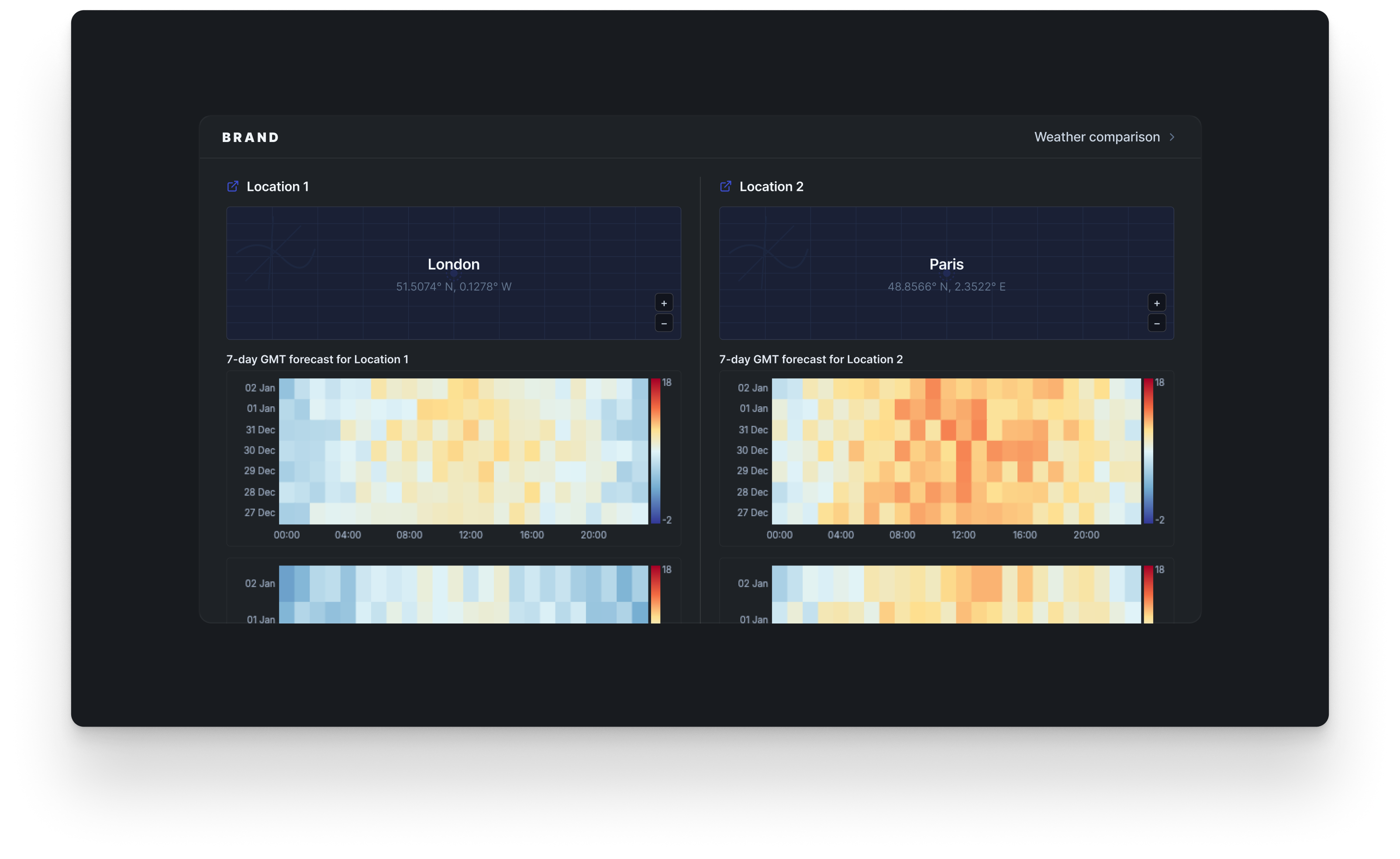
Weather comparison
Uncover trends and make data-driven decisions effortlessly using advanced visualizations.
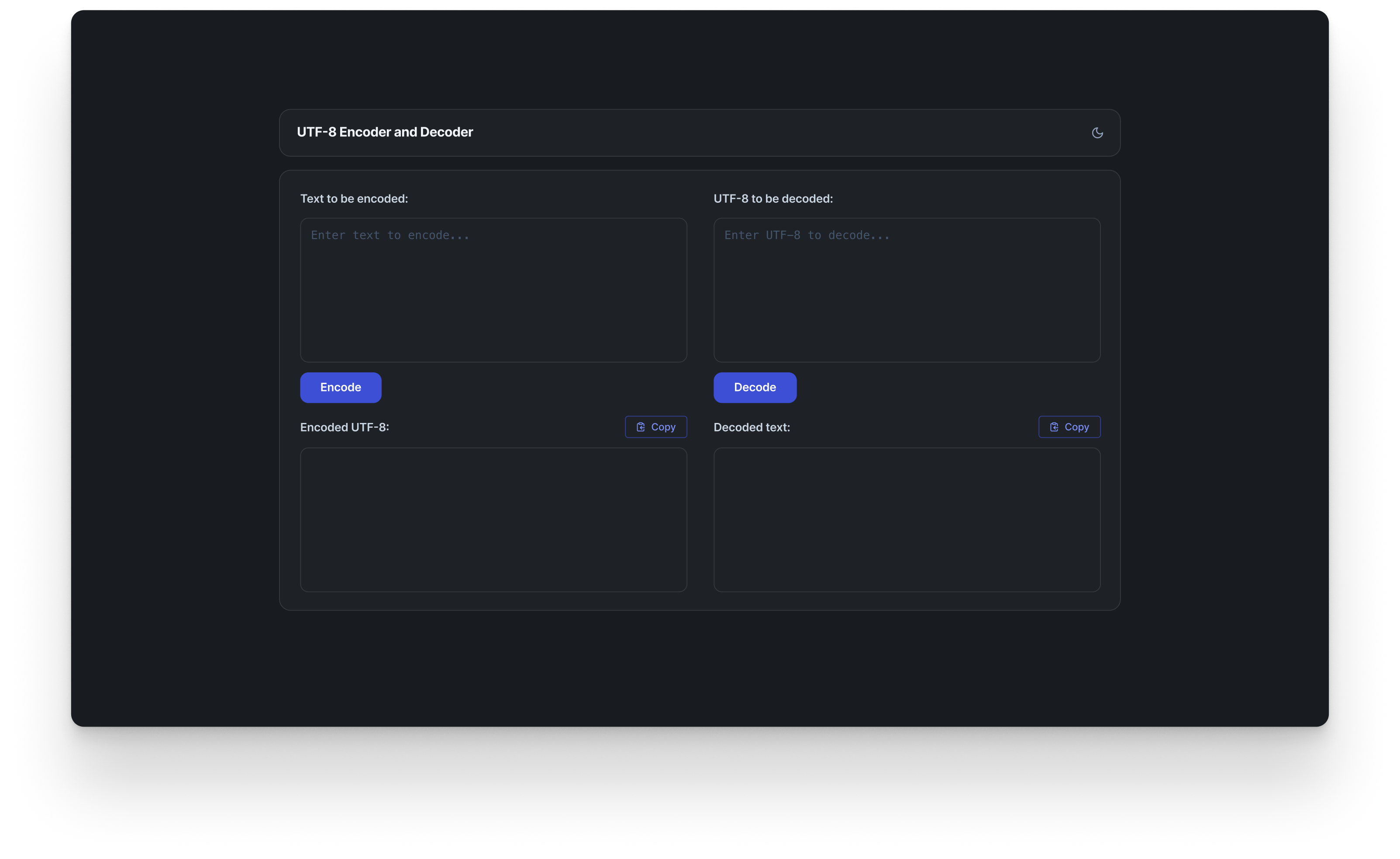
UTF-8 encoder and decoder
Encode and decode text to and from UTF-8 for enhanced text processing, facilitating multilingual support and accurate da...
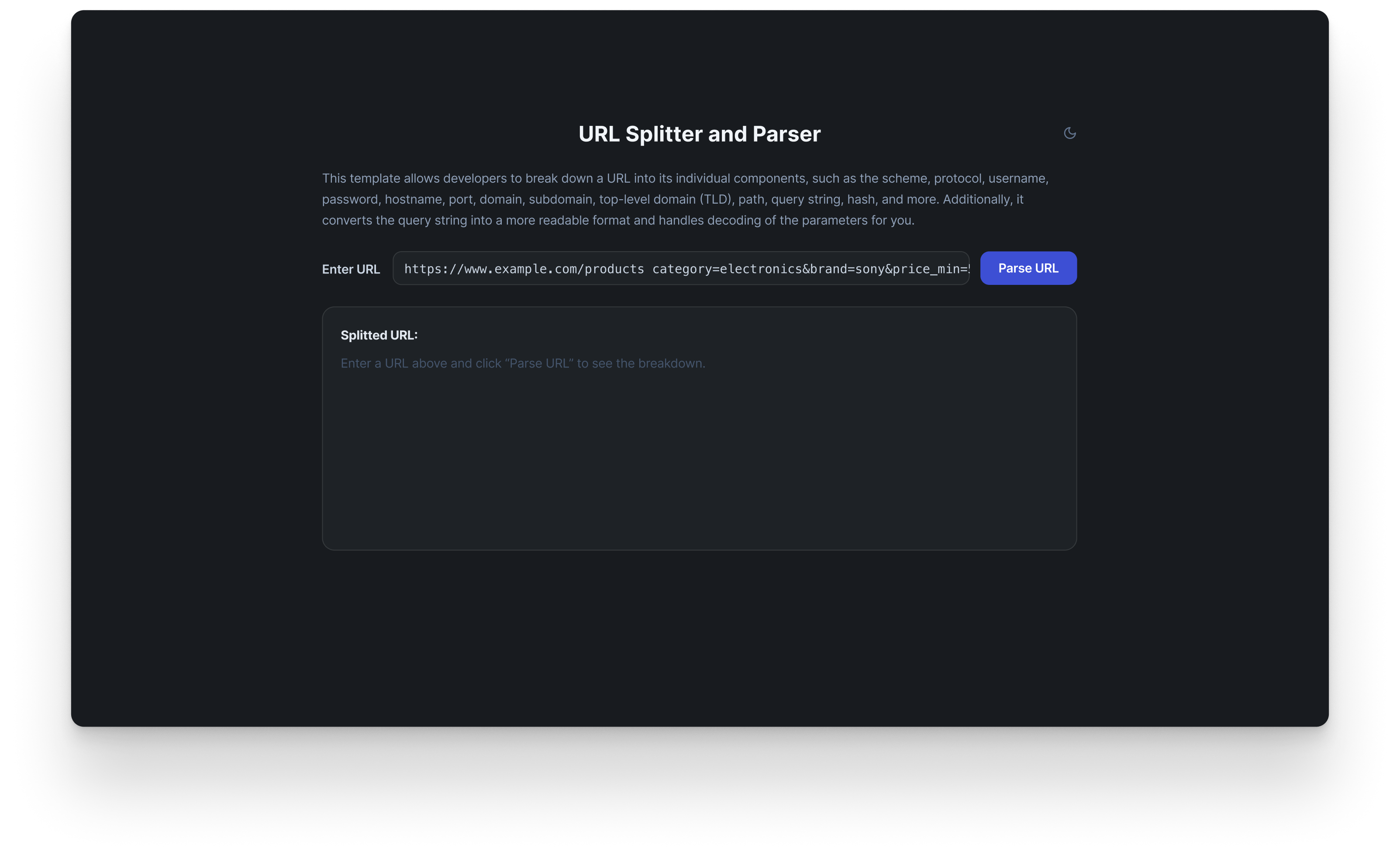
URL splitter and parser
Break down URLs into individual components for easy analysis and debugging in web development.