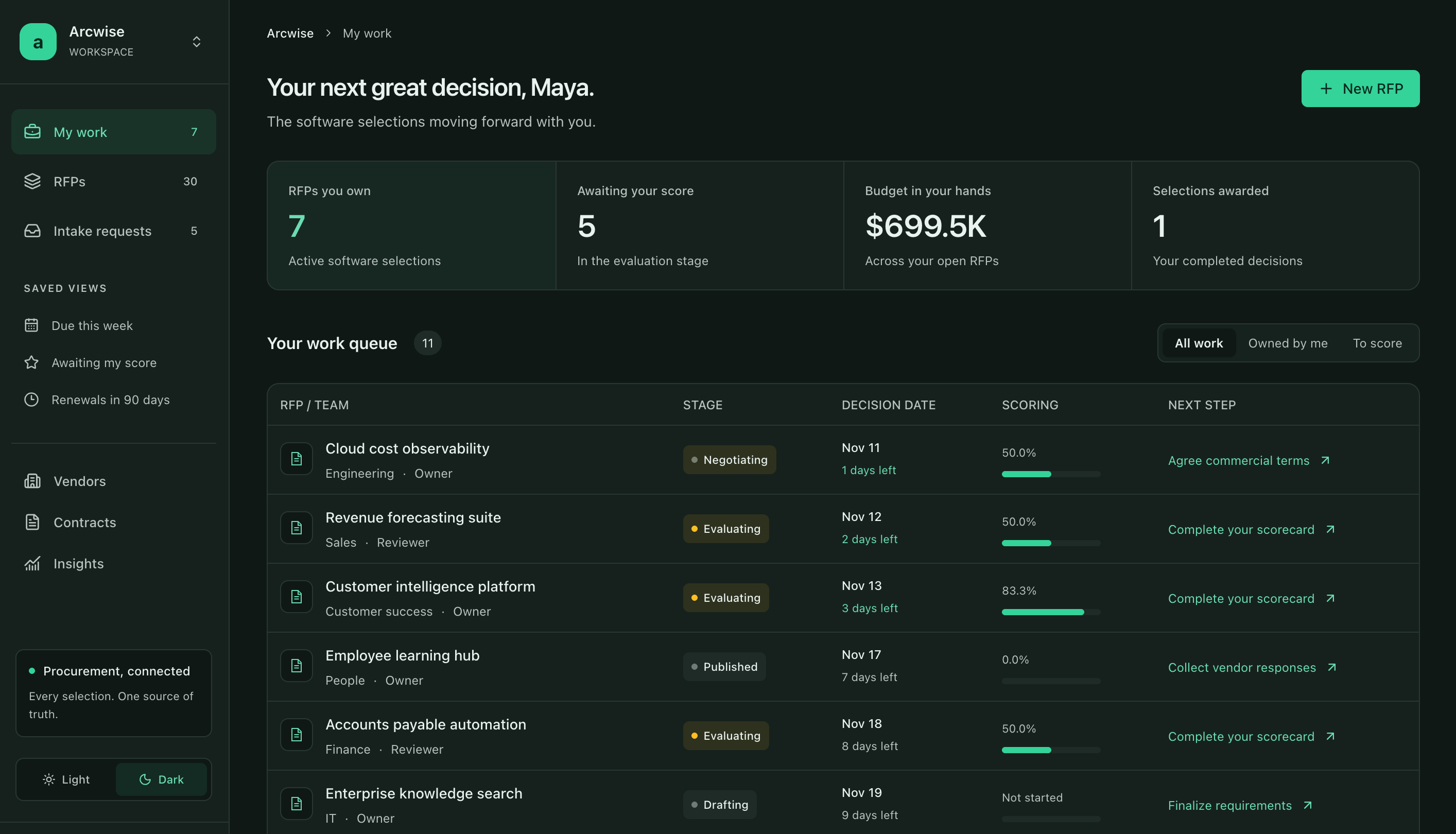
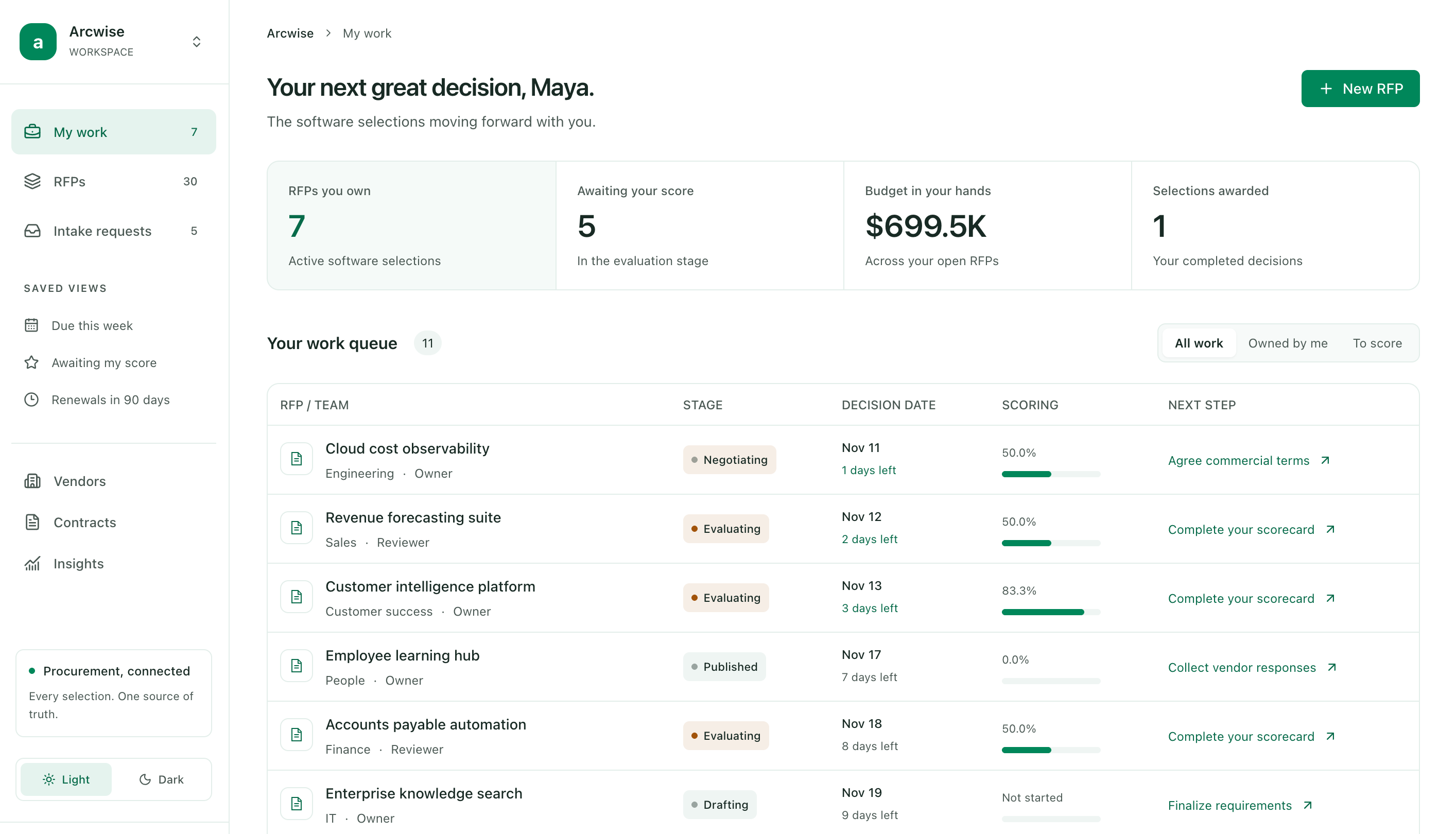
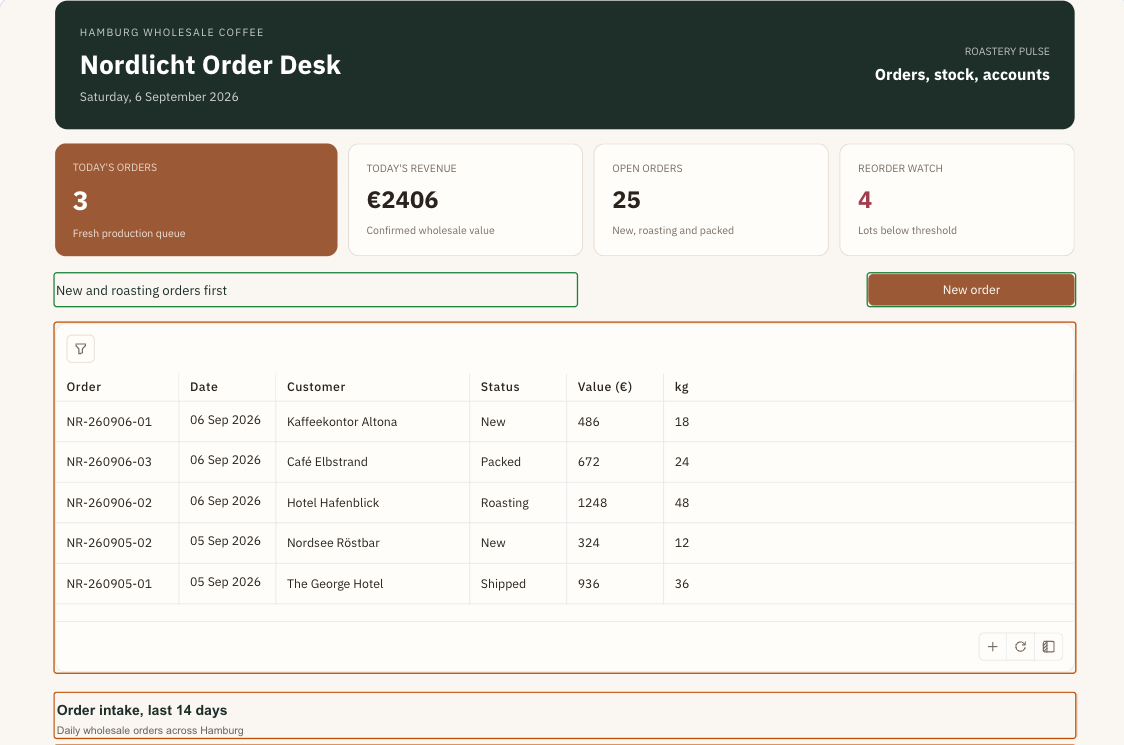
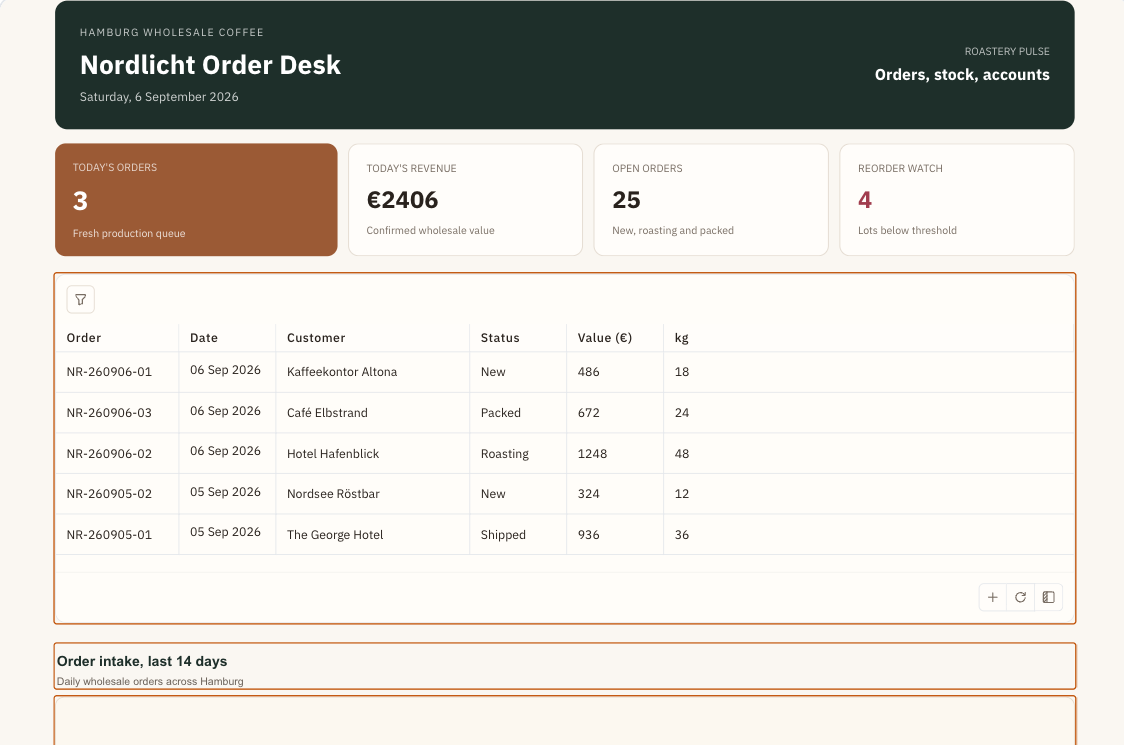
Compare any two versions, or what an AI edit did. Drag between before and after, see every added and changed component outlined, and read the code. Undo an AI edit in one click.
v1 Beforev2 After
AddedChangedOutlines come from ToolJet's compare view.
Development
v3Draft
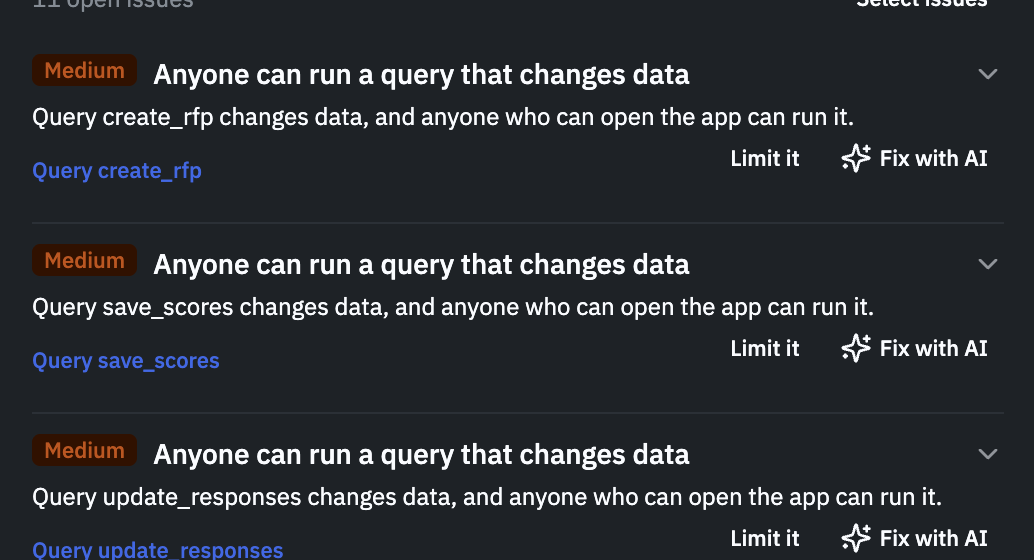
4 changes since v2
Visual diff and undoNew
Inspect changes across app pages and undo edits. External data writes are not reversed.
Staging
v2In review
2 comments resolved
Review requestsNew
Ask a teammate to review, and resolve comments before it moves on.
Production
v1Released
Approved by an admin
Promotion approvalsEnterprise
Require approval before promoting a version. Keep app checkpoints in ToolJet and version definitions with GitSync.
ToolJet is an AI app builder for internal business apps such as admin panels, dashboards and approval tools. You describe the app in chat and ToolJet AI builds it on your data, with pages, queries and permissions. You then refine it without code in the Visual Builder, or in React in the React Builder.
What is the difference between ToolJet's Visual Builder and React Builder?
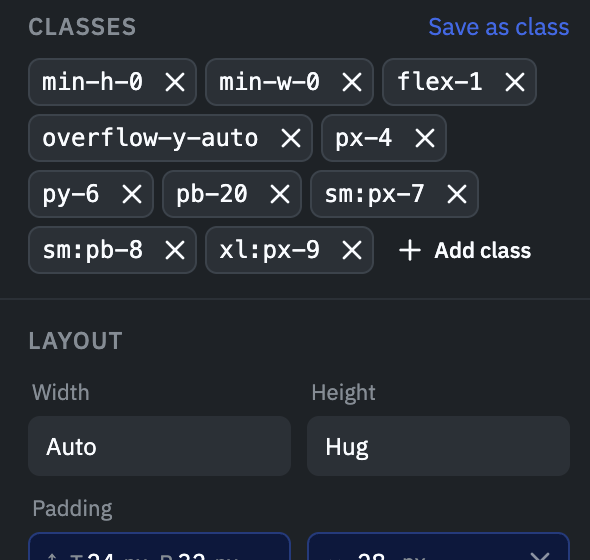
The Visual Builder creates apps from drag-and-drop components that you edit on a canvas without code. The React Builder creates a React frontend that you edit with a style inspector or in your own IDE. Both builders share ToolJet's data sources, queries, permissions, themes, environments and release controls. You choose a builder when you create an app.
Does ToolJet AI work in both the Visual Builder and the React Builder?
Yes. ToolJet AI builds an app from a prompt in either builder and keeps editing it as you ask for changes in chat. In the Visual Builder the result is native pages, components, queries and events you can change on the canvas. In the React Builder the result is React source code you can read and edit.
Which AI models does ToolJet support?
ToolJet AI supports Claude (Anthropic), GPT (OpenAI), Gemini (Google), DeepSeek and Grok (xAI) models. Auto is the default: it picks a model for each request. You can also choose a model yourself. Enterprise plans can bring their own model keys (BYOK) on ToolJet Cloud and Self-hosted.
Do Claude Code, Codex and Cursor use ToolJet AI credits?
No. When you build ToolJet apps from Claude Code, Codex or Cursor through the ToolJet MCP server, or work on a React Builder app in your IDE, the work runs on your own agent and model. ToolJet AI credits are used only by ToolJet AI inside the builder. Your ToolJet plan still applies.
Which UI component libraries can ToolJet apps use?
ToolJet 4.0 adds UI packs to the Visual Builder: Rocket 2.0 (ToolJet's design system, built on shadcn/ui), Ant Design and MUI. You pick a pack and build with its components. Workspace themes let you define your brand once and apply it to any app, in either builder.
Can ToolJet connect to our existing databases and APIs?
Yes. ToolJet connects to 100+ data sources, including PostgreSQL, MySQL, MongoDB, Snowflake, SQL Server, REST and GraphQL APIs, Google Sheets and Slack. Teams without a database can use ToolJet Database, which is PostgreSQL behind a visual table editor.
How do teams review AI changes before an app is released in ToolJet?
ToolJet shows a visual diff of what each AI or manual edit changed, and you can undo it. Builders can request a review and resolve comments, then promote the version through development, staging and production. Visual diff starts on paid plans, review requests on Team, and mandatory promotion approvals on Enterprise.
Does ToolJet scan AI-built apps for security issues?
Yes. ToolJet supports security scanning for React Builder apps, including checks for known vulnerabilities in dependencies. Enterprise plans add scheduled scans and organization-level security policies. Scans support your review process; they do not replace testing queries, permissions and access for each role.
Can ToolJet be self-hosted?
Yes. ToolJet runs on ToolJet Cloud or self-hosted on your own infrastructure. Data source credentials are encrypted with AES-256-GCM. Team plans include SSO, audit logs and GitSync, and Enterprise adds SCIM.
Build the app your team needs next.
Start with your data and a real use case. Pick the builder that fits.